
Mailgun has long been a reliable choice for developers needing fast, scalable, API-driven email delivery. Its strong infrastructure and transactional capabilities made it a preferred option for SaaS teams and engineering-heavy workflows. But as email marketing evolved, Mailgun’s rising pricing, technical complexity, and developer-first design created friction for marketers, WordPress users, and small teams that need simpler, automation-friendly tools without deep coding expertise.
This guide explores the best Mailgun alternatives available today, covering email deliverability, SMTP/API features, automation capabilities, ease of use, and real pricing comparisons. Whether you’re a developer, an email marketer, or a WordPress site owner, you’ll find options that match your technical skill and budget.
And if you’re looking for a WordPress-native solution that combines flexibility, control, and affordability, Icegram Express emerges as one of the strongest choices right from the start.
Why businesses are looking for Mailgun alternatives in 2026?
Mailgun’s pricing has steadily increased, especially for higher-volume senders, making it harder for small businesses and growing teams to maintain cost efficiency. On top of that, its developer-heavy workflow, API calls, webhooks, routes, and DNS configurations create a steep learning curve for non-technical users who simply need reliable email delivery without complex setup.
Marketers also face limitations with Mailgun’s minimal automation and campaign features, forcing them to rely on additional tools for segmentation, engagement tracking, and advanced workflows. Misconfigured DNS records can further impact deliverability, and some businesses prefer avoiding external data processors due to privacy or compliance requirements.
Key factors to evaluate when choosing Mailgun alternatives
- Deliverability & infrastructure: Look for stable routing, high inbox placement, strong IP reputation, and transparent deliverability tools.
- SMTP vs API support: Ensure the platform offers flexible integration options depending on your workflow, simple SMTP for general use, or API access for advanced, developer-driven sending.
- Ease of setup: Check whether the solution is intuitive for marketers or if it requires developer-level configuration.
- Automation & campaign tools: Evaluate support for sequences, behavioral triggers, segmentation, and marketing workflows.
- Template & design flexibility: Drag-and-drop editors, reusable layouts, and dynamic content can significantly improve production speed.
- Real-time analytics & reporting: Look for detailed insights into opens, clicks, bounces, device data, and link performance.
- WordPress compatibility: Especially important for site owners who want native control without relying on multiple external services.
- Pricing scalability: Compare long-term costs, especially per-subscriber or per-email fees at higher sending volumes.
- Data privacy & ownership: Understand where your data is stored and whether it stays on your server or third-party servers.
- Customer support availability: Quick, knowledgeable support is crucial for resolving deliverability or configuration issues.
Best Mailgun alternatives in 2026
Let’s check out the close competitors, the ones that lack features, and the ones that go the extra mile.
Sender
Overview
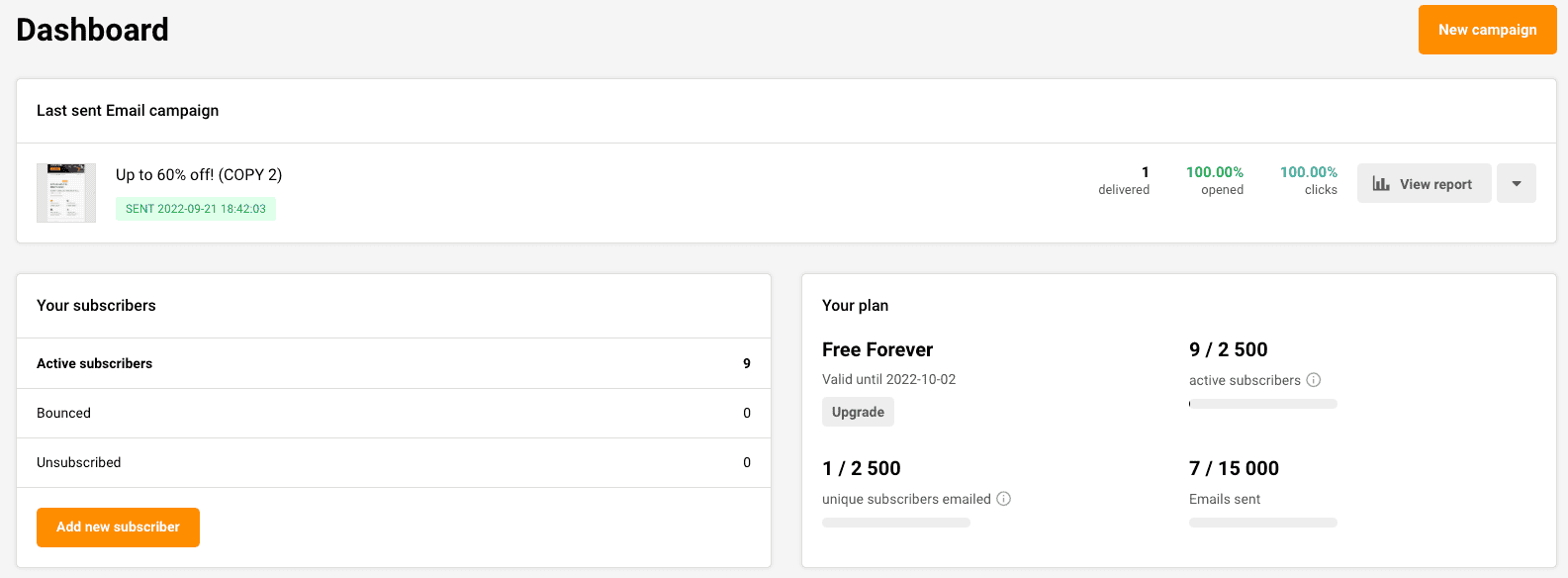
Sender is an all-in-one email marketing platform designed for businesses that want simplicity, automation, and strong deliverability without relying heavily on technical setup. It combines transactional and promotional messaging, making it a practical Mailgun alternative for teams that need both campaign and API-based sending.
Key features
- Drag-and-drop email builder
- Automation workflows and behavioral triggers
- Segmentation and personalization
- 24/7 customer support
- Transactional email via API or SMTP
- High deliverability infrastructure
- Built-in analytics for opens, clicks, and conversions
Pricing
Sender offers a generous free tier with support for up to 2,500 subscribers. Paid plans start at $7/month, making it one of the most affordable alternatives for small businesses and growing teams.
Amazon Simple Email Service (SES)
Overview
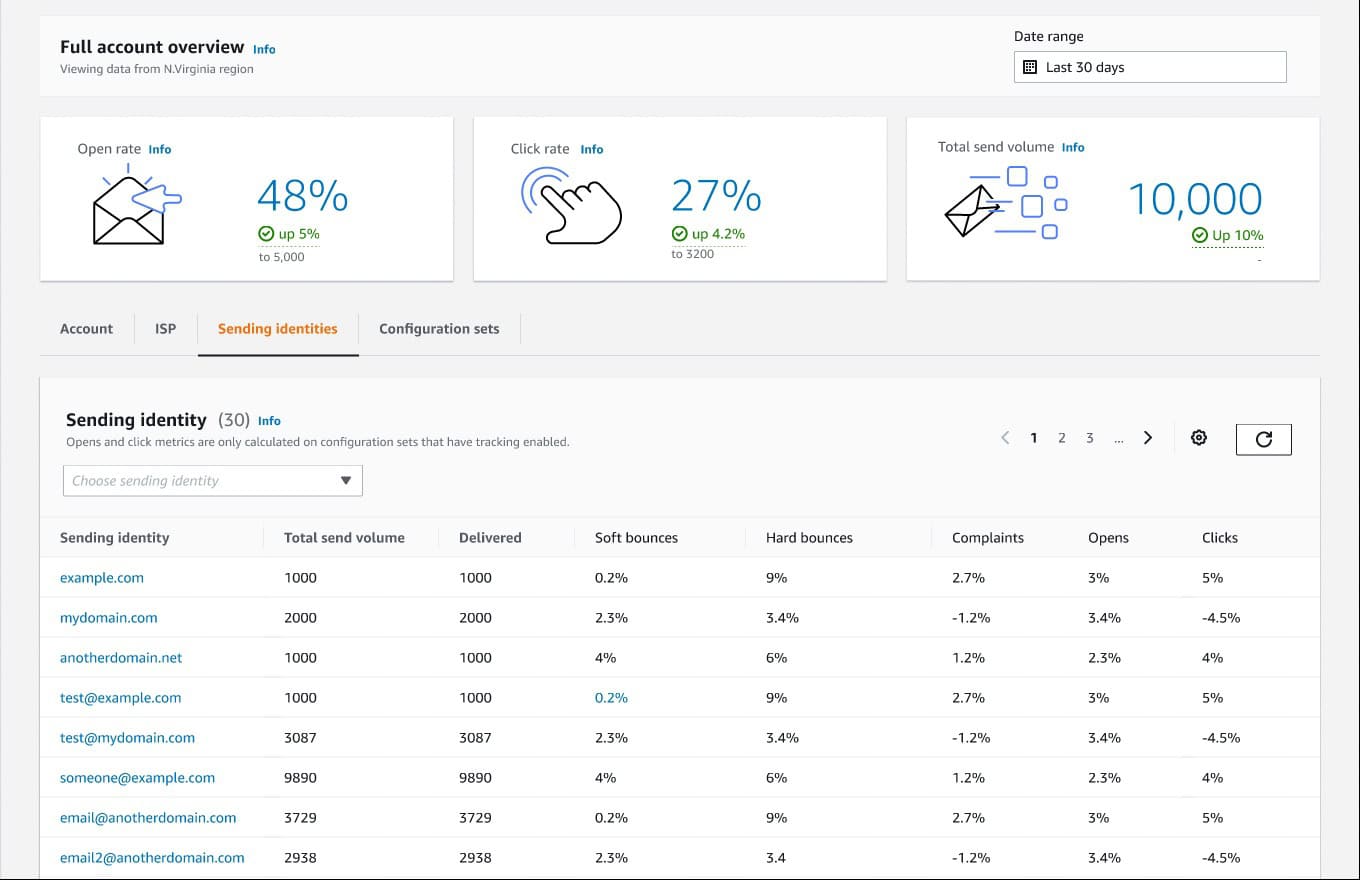
Amazon Simple Email Service (SES) is one of the most cost-effective and scalable email delivery platforms on the market. Built on AWS’s global infrastructure, it offers exceptional deliverability for transactional and bulk emails, making it a leading alternative to Mailgun for high-volume and developer-driven use cases.
Features (API, SMTP, global routing)
- REST API and SMTP support for flexible integration
- Global email routing via AWS data centers
- Built-in deliverability tools (DKIM, SPF, DMARC, dedicated IPs)
- Real-time metrics and CloudWatch integration
- Reputation dashboard for monitoring inbox placement
- High message throughput ideal for large workloads
Pricing
Amazon SES operates on a pay-as-you-go model starting at $0.10 per 1,000 emails, plus minimal charges for attachments and data transfer. It remains one of the lowest-cost options for businesses sending millions of emails per month.
MailChimp
Overview
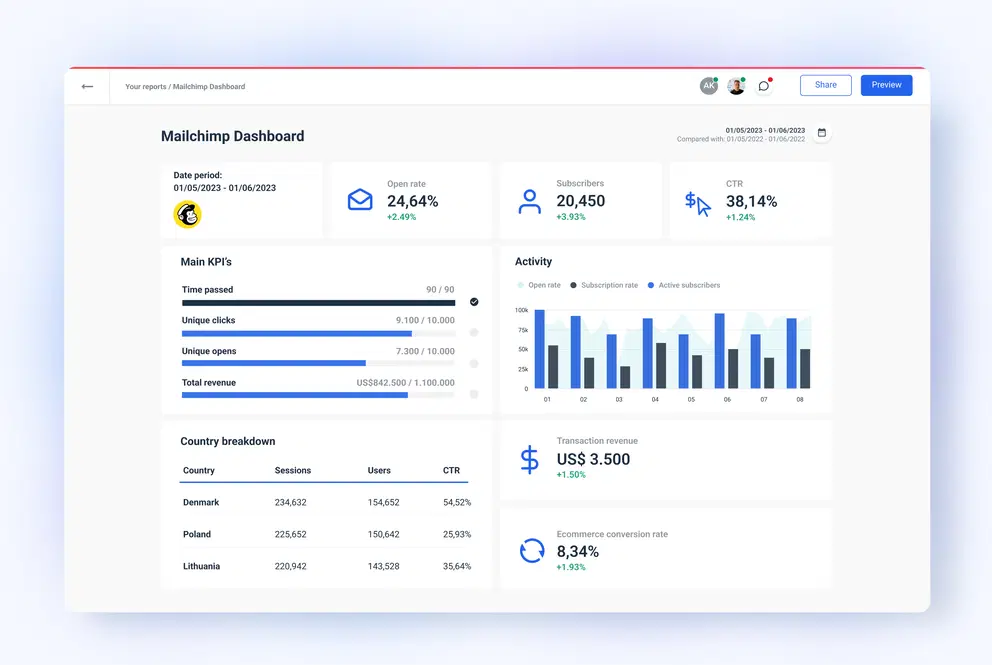
Mailchimp is an email delivery service built specifically for sending one-to-one transactional emails, such as receipts, confirmations, and notifications. It’s tightly integrated with the broader Mailchimp ecosystem, making it a natural add-on for users already invested in Mailchimp’s marketing suite.
Key features
- Reliable transactional email delivery
- SMTP and API support
- Dynamic content personalization
- Delivery analytics and event tracking
- Template editing via Mailchimp
- Dedicated IP options for higher-volume senders
Pricing
Mailchimp Transactional uses a credit-based system starting at $20 per block (25,000 emails). A standard Mailchimp plan is required to access it, which increases the overall cost for many users, especially those who only want transactional sending.
SendGrid
Overview
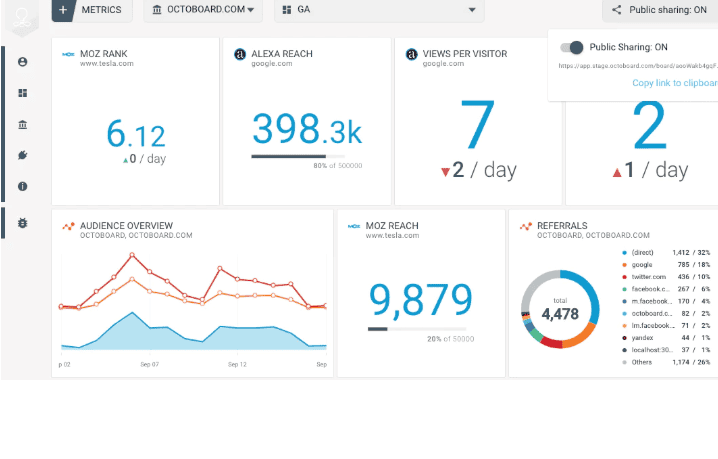
SendGrid is a cloud-based email delivery platform known for balancing robust developer tools with marketer-friendly features. It supports transactional email, marketing campaigns, automation, analytics, and API-based workflows, making it a versatile Mailgun alternative for both technical and non-technical users.
Features
- SMTP and full REST API support
- Drag-and-drop campaign builder
- Automation and workflow sequencing
- A/B testing and segmentation
- Event webhooks for advanced tracking
- Deliverability tools, including domain authentication
- Detailed analytics for performance monitoring
Pricing
SendGrid offers a free plan allowing up to 100 emails/day. Paid plans start at $20/month for higher sending limits, advanced analytics, and improved deliverability tools.
PostMark
Overview
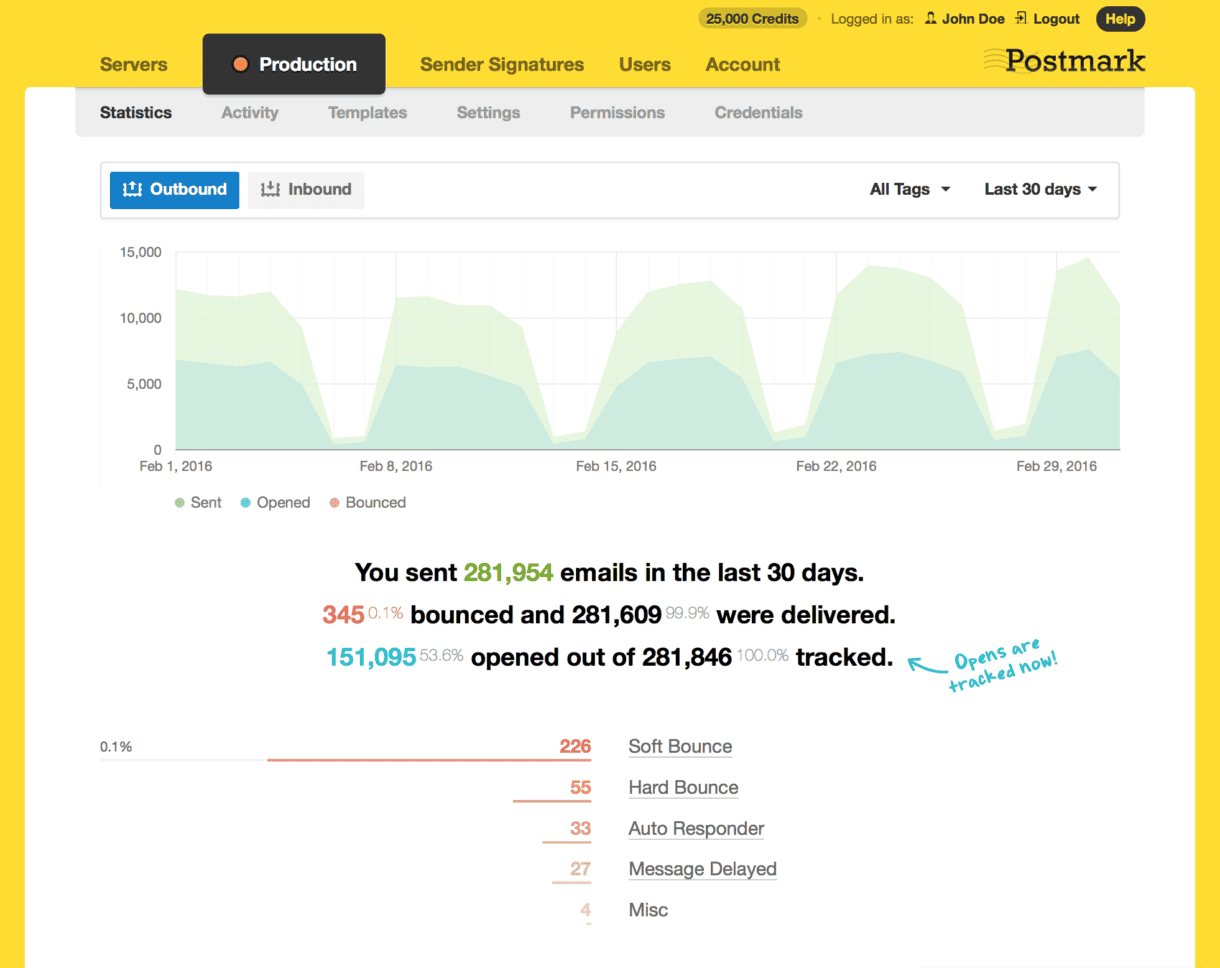
Postmark is a developer-friendly transactional email service known for exceptional speed and reliability. It focuses purely on delivering critical emails, password resets, receipts, and order confirmations with minimal latency.
Features
- Powerful REST API and SMTP support
- Message Streams for separating transactional and broadcast emails
- Detailed delivery analytics and event tracking
- Templates with server-side variables
- High-priority delivery infrastructure
Pricing
Postmark follows a volume-based pricing model starting with a fixed monthly plan for a set number of emails, then charging per additional block of emails. It’s predictable but can get expensive at scale.
SparkPost
Overview
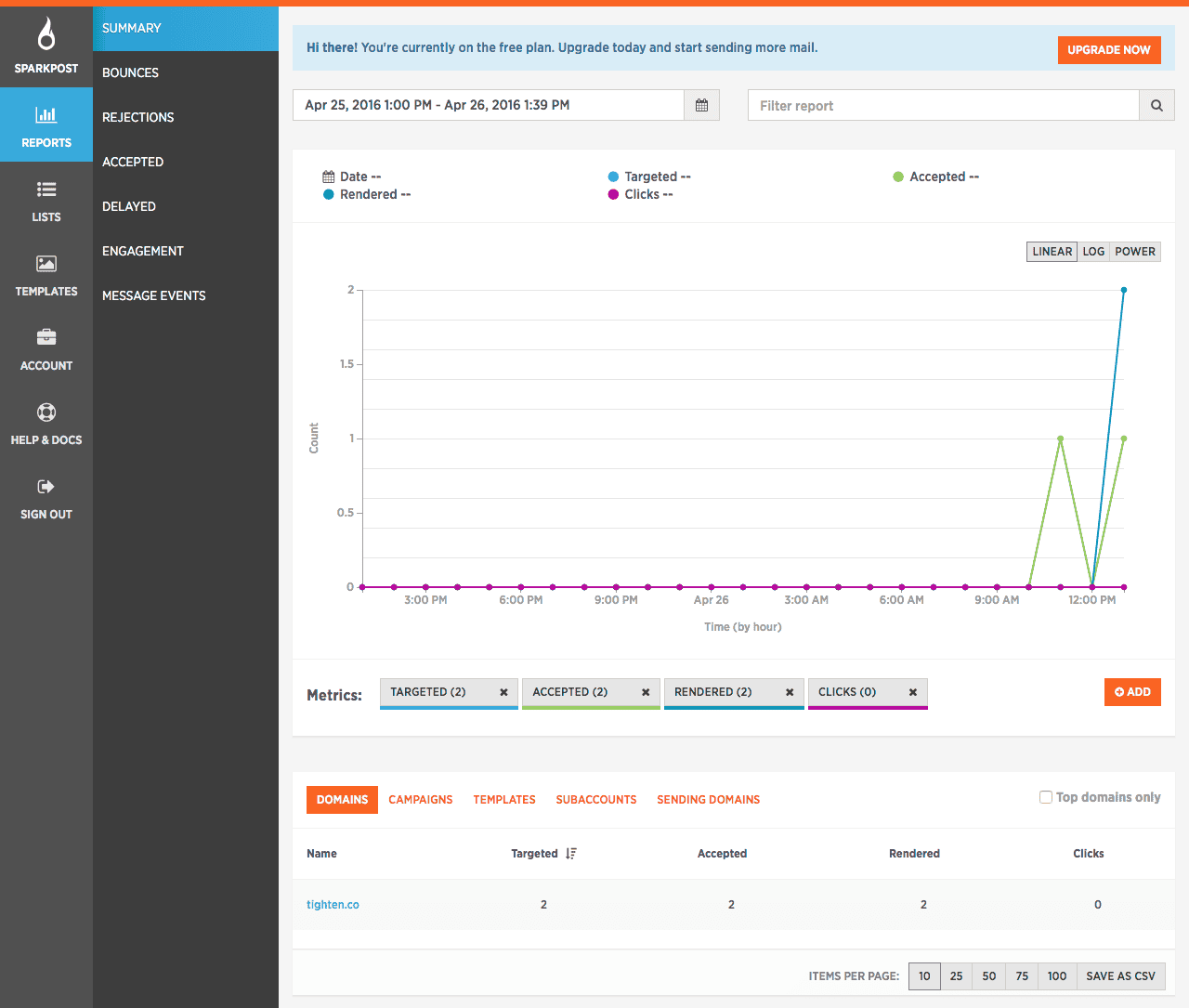
SparkPost is an enterprise-grade email delivery platform designed for large-scale sending, advanced analytics, and high deliverability. It’s widely adopted by big organizations that need deep data insights and complex routing capabilities.
Features (deep analytics, predictive engagement)
- Advanced email analytics with granular performance metrics
- Predictive engagement scoring to optimize delivery timing
- Powerful API and SMTP support
- Real-time event tracking and bounce intelligence
- High-scale sending infrastructure designed for enterprise workloads
Pricing
SparkPost follows a tiered, usage-based pricing model geared toward mid-to-large businesses. The platform becomes cost-effective at scale but is generally expensive for small teams or simple sending needs.
Brevo
Overview
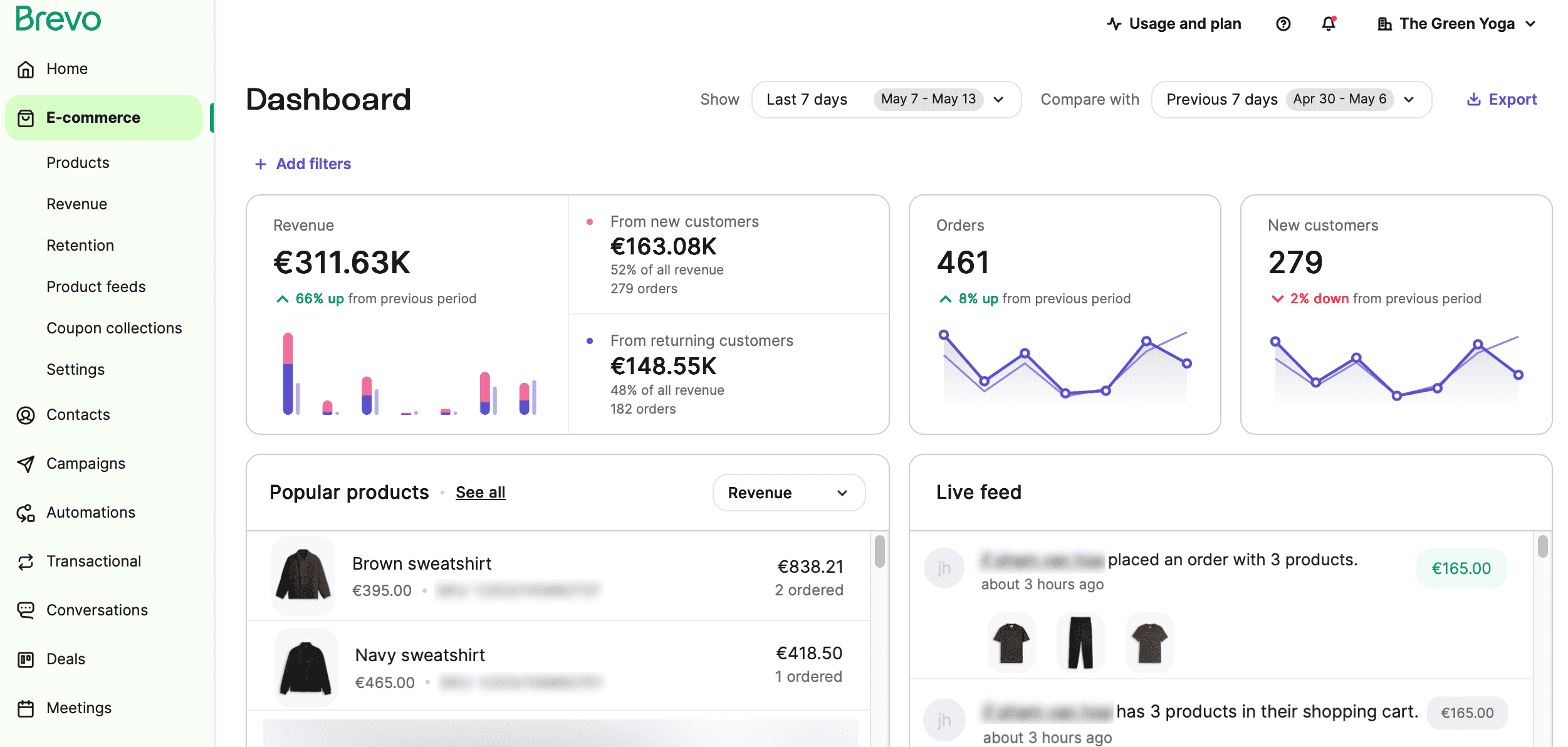
Brevo (formerly Sendinblue) is an all-in-one marketing platform that combines email, SMS, CRM, and automation. It’s designed for businesses that want multi-channel communication rather than a pure transactional email service.
Features (CRM, automation, multi-channel)
- Built-in CRM for managing contacts and deals
- Email automation workflows
- SMS, WhatsApp, and chat support
- Drag-and-drop email builder
- Basic transactional email API + SMTP
- Segmentation and audience management
Pricing
Brevo offers tiered pricing based on monthly email volume. Marketing automation is included, but transactional email volumes may face daily sending caps depending on the plan.
Why is Icegram Express the best WordPress-native alternative to Mailgun?
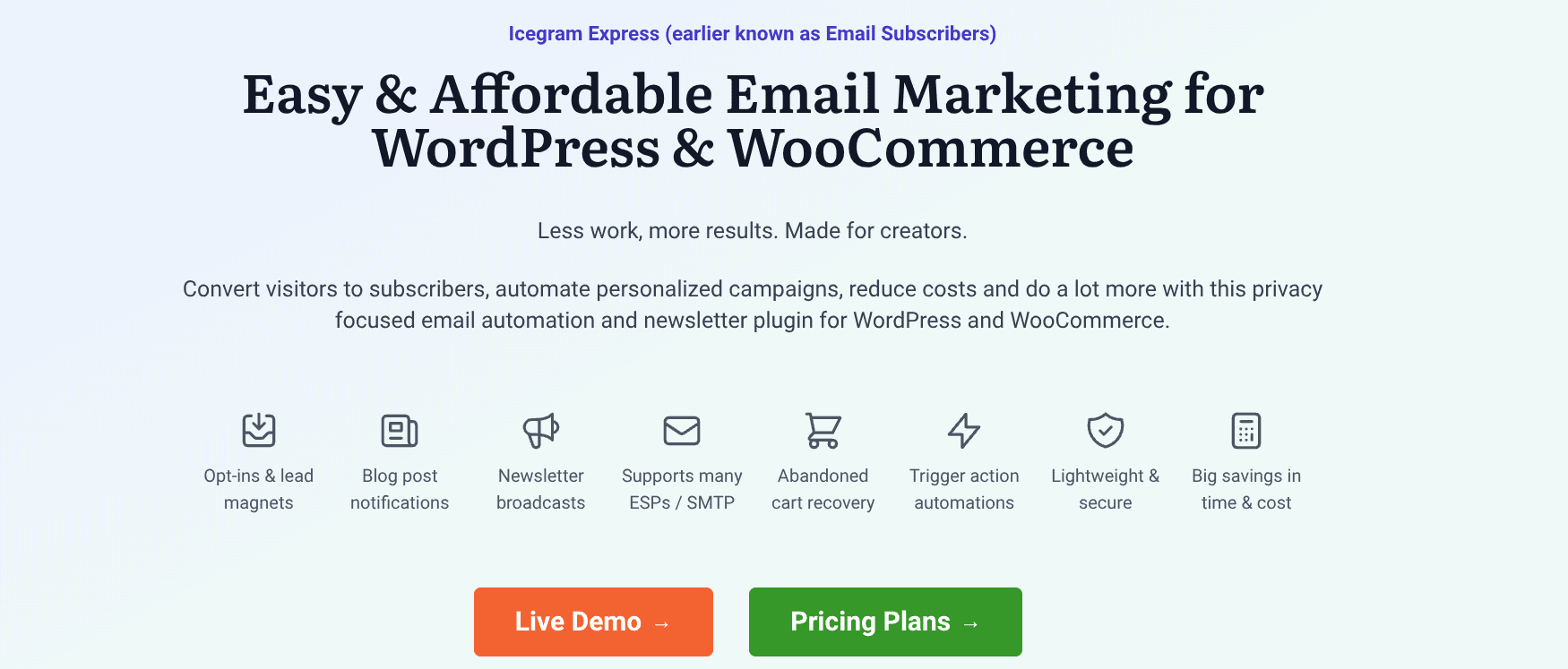
Icegram Express is a fully WordPress-native email marketing and automation plugin that replaces the need for external mailing platforms like Mailgun. It handles newsletters, transactional emails, and automated workflows, all from inside your WordPress dashboard. Instead of forcing you into proprietary infrastructure, it lets you use any SMTP service you prefer (SendGrid, SES, Postmark, MailerSend, etc.). This gives you Mailgun-level deliverability with far greater control, simplicity, and cost efficiency.
Because Icegram Express runs on your own server and inside WordPress, there’s no external data processing, no complex API dependencies, and no additional dashboard to manage.
Everything, sending, reporting, automations, and list management, lives in one place.
Key features
- Drag-and-drop email editor
Build professional newsletters and transactional templates quickly using a clean, intuitive email builder made for non-technical users. - Analytics & UTM tracking
Track opens, clicks, engagement, and campaign performance with built-in analytics. Add UTM parameters to monitor conversions across marketing channels. - WooCommerce automation (abandoned carts, post-purchase flows)
Automate high-value sequences like abandoned cart recovery, order updates, first-purchase series, win-back campaigns, and loyalty nurturing. - Segmentation + tagging
Create targeted audiences with tags, filters, and behavioral segmentation, something Mailgun does not provide natively. - Clean and lightweight
Optimized for speed and built for everyday WordPress environments. No bulky scripts. No unnecessary load. - Works even on shared hosting
Designed for small to large businesses, including sites without enterprise-grade hosting setups. - Secure: Data stays on your server
Audience data, email history, and analytics are stored locally, giving you full ownership and compliance advantages. - Background/batch sending for large lists
Send thousands of emails without timing out. Icegram Express handles queueing and background processing automatically.
Deliverability & SMTP integration
- Compatible with all major SMTP providers: Amazon SES, SendGrid, Mailgun, Postmark, Brevo, SMTP.com, and more.
- Let’s you fully control your sending reputation instead of relying on shared IP pools.
- Step-by-step guides for configuring DNS, SPF, DKIM, and DMARC to ensure maximum inbox placement.
- Supports API + SMTP workflows depending on the provider you choose.
- Built-in test tools to verify connection, authentication, and sending status.
- Keeps deliverability management inside WordPress—no external dashboards needed.
Marketing + automation
- Advanced, multi-step automation builder for creating personalized email journeys.
- Behavioral triggers such as new signup, purchase, cart abandonment, inactivity, link click, and more.
- Robust newsletter scheduling with batching and send-time optimization.
- Engagement scoring to classify contacts as active, at-risk, or dormant.
- Spam-score checks to prevent deliverability issues before sending.
- Pre-built automations for WooCommerce and general lead-nurturing sequences.
Cost savings
- No per-subscriber charges; manage unlimited contacts at no extra cost.
- You only pay for the SMTP service you connect (like SES, SendGrid, or SMTP.com).
- Eliminates expensive SaaS-based pricing models used by Mailgun, SendGrid, and Mailchimp.
- Dramatically reduces the total cost of ownership for transactional + marketing emails.
- Perfect for WordPress site owners looking for high deliverability without high monthly fees.
- Scales affordably as your list grows, without billing surprises.
Who should use Icegram Express?
- WordPress users
Ideal for anyone who wants email marketing, automations, and transactional sending without leaving the WP dashboard. - Email marketers
Perfect for running campaigns, segmentation, engagement tracking, and automations, without relying on multiple external tools. - WooCommerce sellers
Built-in abandoned cart recovery, purchase follow-ups, product recommendations, and customer lifecycle flows. - Membership and LMS sites
Send onboarding emails, renewal reminders, course updates, and engagement sequences directly from WordPress. - Publishers & content creators
Manage newsletters, weekly digests, and subscriber growth with no per-subscriber cost. - Developers who want flexibility
Enjoy SMTP freedom, deliverability control, and no SaaS lock-in, while still giving clients an easy marketing interface.
Top Mailgun alternatives: Detailed breakdown
| Name | Key Features | Pricing / Plan Structure |
|---|---|---|
| Postmark | Fast transactional delivery, templates, autoresponders, split testing, top deliverability | From $15/month; Free trial available |
| SendGrid | Easy automation, developer-friendly APIs, high scalability, analytics, marketing tools | From $9/month; Free plan/trial offered |
| SparkPost | Advanced analytics, high-volume sending, robust suppression management, split testing | From $20/month; Free plan available |
| Brevo (Sendinblue) | Automation, multi-channel (email/SMS), drag-and-drop builder, CRM, analytics, all-in-one marketing | From $8/month; Free plan available |
| Mailchimp Transactional | Integrated with Mailchimp, reliable transactional email, advanced templates | Included with Mailchimp plans, or separately |
| Amazon SES | Cost-effective transactional delivery, API integration, scalable, pay-per-use | Pay-as-you-go (very low cost for large volume) |
| Zoho ZeptoMail | Affordable, simple API, high deliverability, scalable | Usage-based pricing |
| Sender.net | Up to 15,000 free emails/month, easy automation, strong support, transactional & promotional emails | Free for lower volumes; paid tiers available |
| Bird (MessageBird) | Real-time messaging, SMS and email combined, APIs, high deliverability | Business-focused, plan pricing by volume |
| Netcore Cloud | Large-scale marketing & transactional, multi-channel, advanced segmentation | Enterprise pricing, tailored solutions |
Conclusion
As email volumes grow and budgets tighten, more businesses are stepping back from Mailgun’s rising costs, technical overhead, and developer-first workflow. The shift is clear: companies want powerful delivery infrastructure, without the complexity that slows down marketers and WordPress users.
Across this guide, we explored some of the strongest alternatives: Sender for simplicity, Amazon SES for scale, Postmark for speed, SendGrid for flexibility, and Brevo for multi-channel needs. Each offers something valuable, but none fully address the blend of affordability, control, privacy, and automation that modern WordPress websites demand.
That’s where Icegram Express stands apart. It brings high deliverability, full automation, WooCommerce intelligence, and complete data ownership directly into WordPress, no external dashboards, no SaaS lock-in, no unpredictable billing.
FAQ
What should you choose: Mailgun or its alternatives?
The right choice depends on your needs, budget, and technical requirements. Mailgun is a strong option for developer-focused email sending, but alternatives may offer better pricing, easier setup, advanced automation, or additional marketing features. Compare features, scalability, deliverability, and support before making a decision.
Do Mailgun alternatives support SMTP and API integration?
Yes. Most Mailgun alternatives support both SMTP relay and email APIs, making it easy to integrate transactional email functionality into websites, applications, and business systems. Many providers also offer SDKs, webhooks, and detailed documentation for faster implementation.
Is it safe to switch from Mailgun to another email provider mid-year?
Yes. Most providers allow parallel sending during migration, which helps you warm up your new IP/domain gradually. This prevents sudden drops in deliverability during the transition.
How long does it take to fully migrate away from Mailgun?
Typically 2–7 days, depending on whether you’re moving just SMTP/API sending or also logs, templates, and routing rules. High-volume senders may extend warm-up periods for better inbox placement.
Will switching providers affect my email reputation?
Not if done carefully. Reputation is tied to your domain, not the provider. Maintain proper DNS, warm up gradually, and keep sending consistent volumes to ensure reputation continuity.
Can I use multiple SMTP providers at the same time?
Yes. Many businesses use one provider for transactional sending and another for marketing or high-volume broadcasts. Icegram Express also allows switching SMTP providers per campaign or per site.
What should I check before finalizing a Mailgun replacement?
Evaluate API compatibility, sending speed, throttling policies, bounce-handling methods, and log retention limits. These impact long-term reliability more than basic SMTP configuration.
How do I maintain deliverability after switching providers?
Focus on:
- Continuing domain warm-up
- Keeping lists clean with regular pruning
- Monitoring engagement metrics