

Enable the Weekly Summary Report in Icegram Express
MaxReceive an automated weekly performance digest sent to your admin email with subscriber growth, opens, and click rates using Icegram Express for WordPress.
Monitoring email performance on a regular schedule is essential for growing your audience. The Weekly Account Summary email delivers a concise performance overview directly to the administrator’s inbox—allowing you to track list health without logging in to WordPress.
How to Enable the Weekly Summary Digest
-
In your WordPress admin, go to Icegram Express > Settings > General.
-
Locate the Weekly Summary section.
-
Toggle the option on to enable reports.
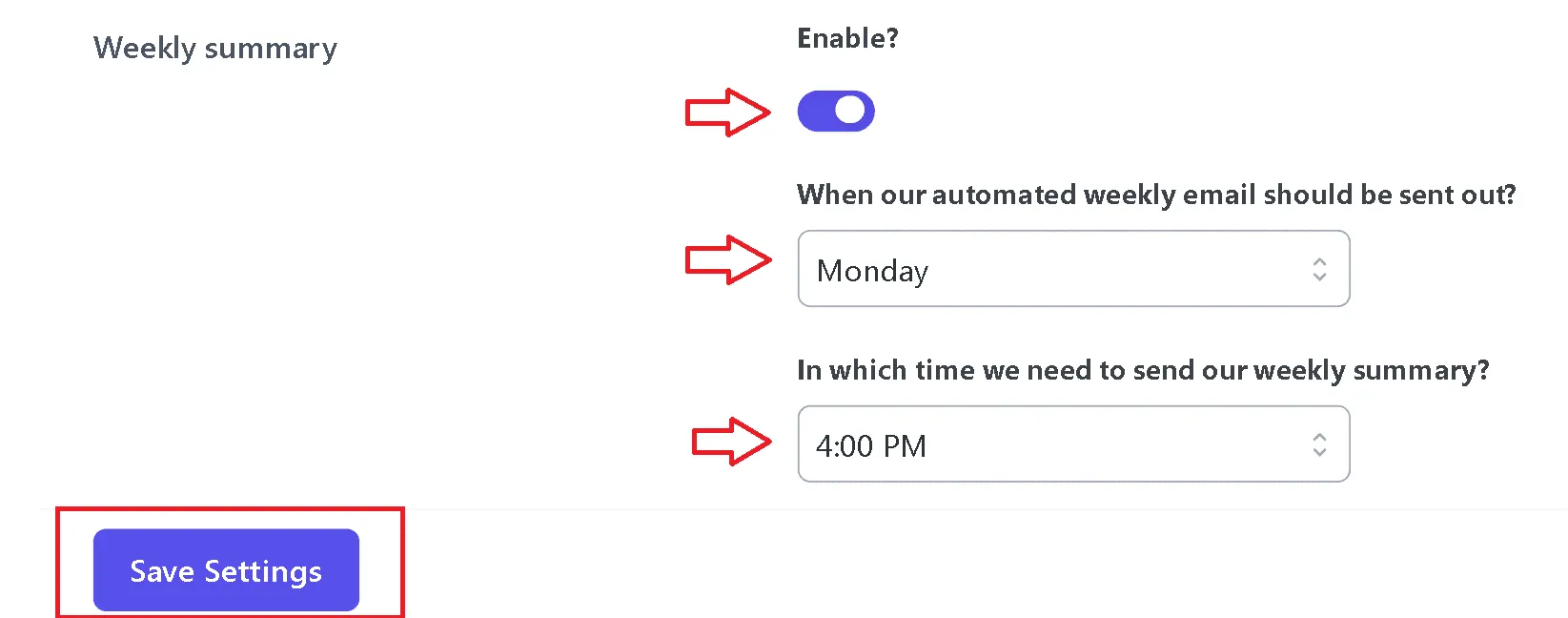
Weekly summary report configuration toggle and scheduling options -
Select your preferred day of the week to receive the digest (e.g., Monday).
-
Choose the delivery time (e.g., 9:00 AM).
-
Click Save Settings.
Key Metrics Included in the Weekly Digest
- Contact Growth: Percentage change in your subscriber base over the preceding 7 days.
- New Subscribers: Total number of users who joined your lists during the week.
- Unsubscribes: Total contacts who opted out.
- Total Emails Sent: Cumulative campaign emails dispatched.
- Open & Click Rates: Overall recipient engagement percentages.