

How to Target Icegram Engage Campaigns to Specific Blog Articles
Use wildcard URL patterns and specific page rules to target Icegram Engage campaigns to individual blog posts or post categories.
Rather than showing the same generic promotion across your entire blog, targeting campaigns to specific articles or topic hubs increases conversion rates by offering contextually relevant lead magnets.
Steps to Target Specific Articles
-
In your WordPress dashboard, navigate to
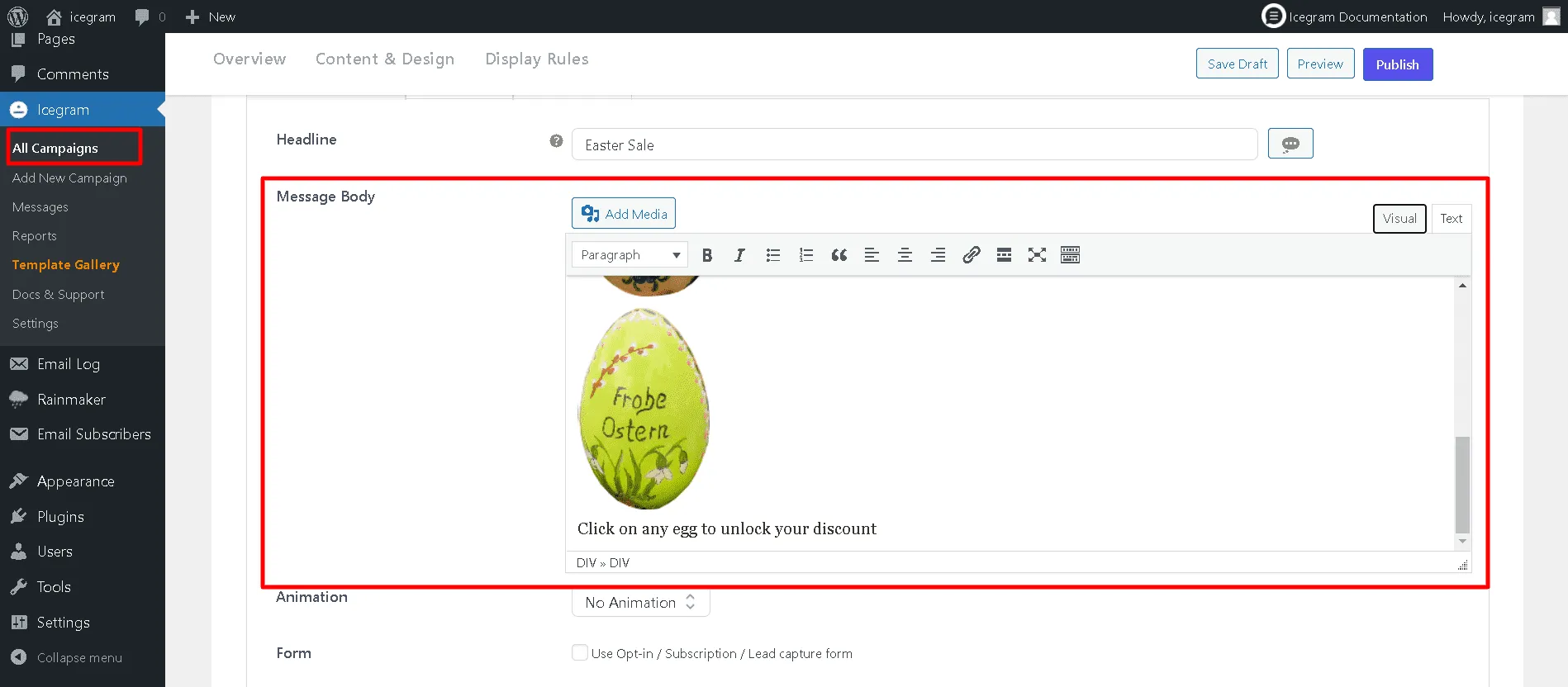
Icegram Engage→Campaignsand edit or create a campaign. -
Configure your message copy and design.
-
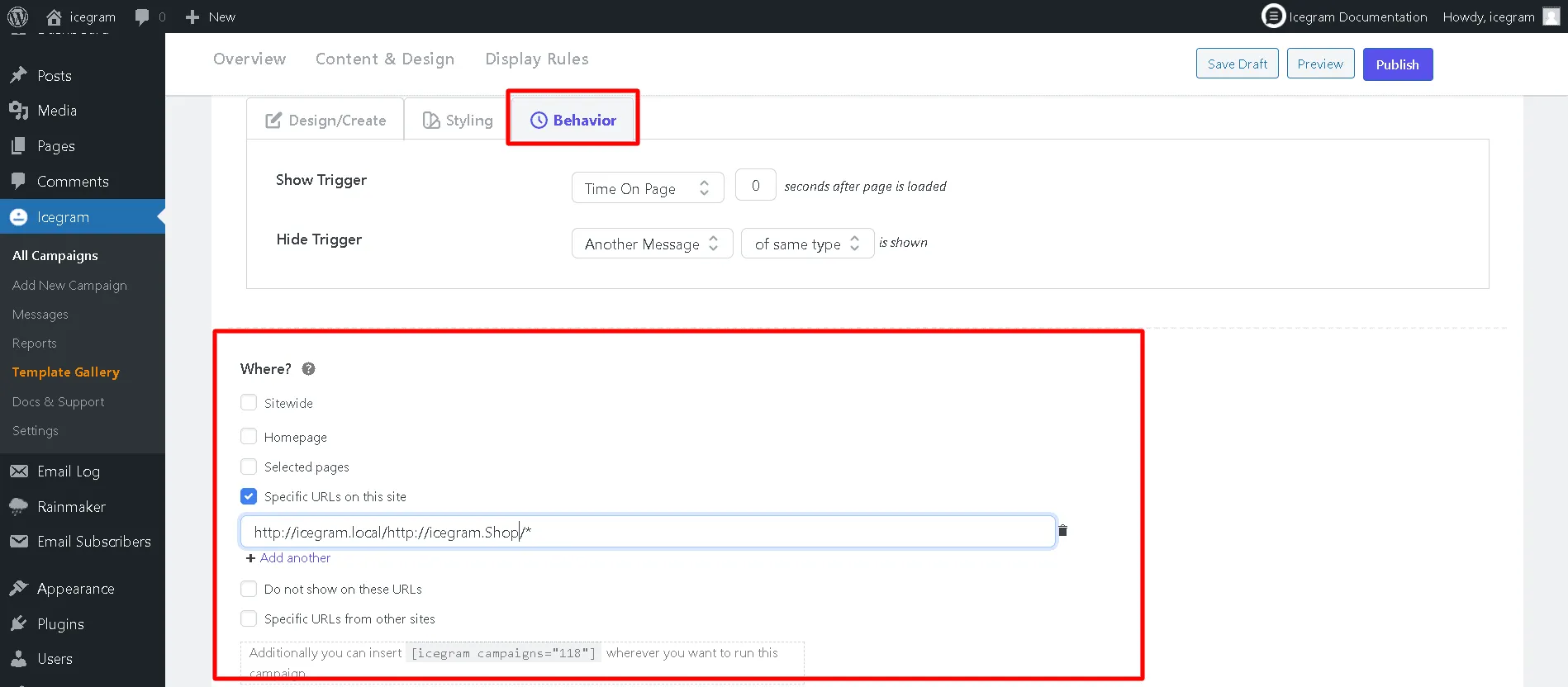
In the campaign settings, open the Where (Display Rules) section.
-
Select Specific URLs on this site.
-
Enter the full URLs or wildcard paths (e.g.,
https://example.com/blog/email-marketing/*) where this campaign should run. -
Click Update to save your targeting rules.