

Insert Collect Forms into Icegram Engage Popups
Embed lightweight Icegram Collect forms directly inside Icegram Engage popups, slide-ins, and header bars to capture leads.
You can embed your styled Icegram Collect lead forms inside any Icegram Engage campaign message—such as a lightbox popup, top bar, or slide-in messenger.
Steps to Integrate Collect with Engage
-
In your WordPress dashboard, navigate to
Icegram Engage→Campaigns. -
Edit an existing campaign or click Add New Campaign.
-
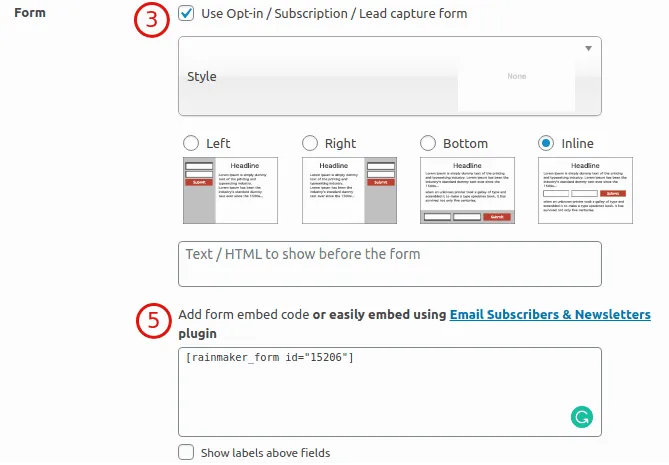
In the message configuration panel, scroll down to the Form section.
-
From the Form Type dropdown, select Icegram Collect (or Rainmaker).
-
Select your specific form from the dropdown list.
-
Configure campaign display triggers (such as exit intent or delay) and save your campaign.