

How to Resize Lightbox Popups in Icegram Engage
Customize height and width dimensions for modal popups and lightbox overlays in Icegram Engage to match desktop and mobile layouts.
Icegram Engage popups are fully responsive by default, adapting to fit desktop and mobile screens. You can customize the exact pixel or percentage dimensions of any popup modal.
Steps to Customize Popup Dimensions
-
In your WordPress dashboard, navigate to
Icegram Engage→Campaignsand edit your popup campaign. -
In the popup message editor, locate the Width (and Height) settings under Appearance.
-
Set your preferred width (e.g.,
600pxfor a wider layout or80%for fluid sizing).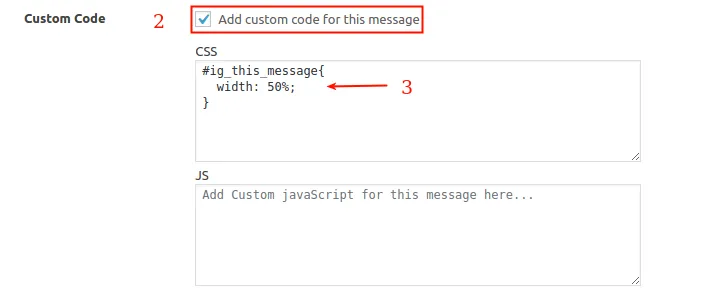
-
If your selected template uses custom CSS, you can also override the maximum width in the Custom CSS box:
.ig_popup { max-width: 650px !important; } -
Click Update to save and preview the resized popup.