

How to Send Campaigns to Multiple Lists Simultaneously
MaxSend broadcasts, post notifications, and post digests to multiple subscriber lists simultaneously in Icegram Express to ensure high deliverability and...
If you have segmented your subscribers across multiple lists (e.g., Blog Readers, Product Customers, and Webinar Attendees), you may occasionally need to send an announcement to all of them at once.
In Icegram Express Max, you can select multiple recipient lists within a single Broadcast, Post Notification, or Post Digest campaign.
Steps to Target Multiple Lists in a Campaign
-
In your WordPress admin dashboard, navigate to
Icegram Express→Campaigns. -
Click Create New Campaign and select Broadcast, Post Notification, or Post Digest.
-
Under the Recipients / Lists dropdown, select all the email lists you wish to include. You can choose multiple lists from the multi-select dropdown.
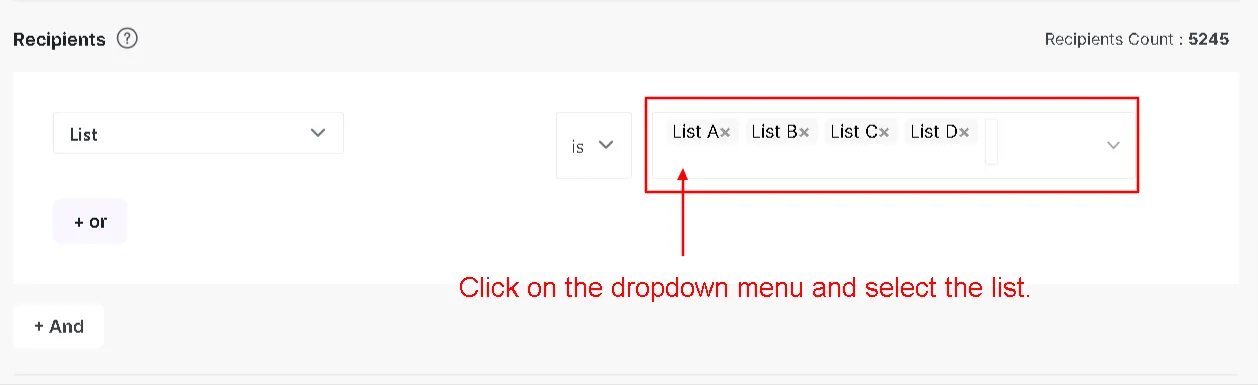
Multi-list recipient selection in Icegram Express campaign builder -
Design your email template, configure your subject line, and proceed to send or schedule your campaign.