How to Configure and Use Icegram Mailer
Configure the Icegram Email Sending Service (ESS) to send WordPress transactional and newsletter emails reliably without complex SMTP.
Icegram Mailer connects your WordPress website directly to our high-reputation sending infrastructure, bypassing host limitations and ensuring your emails reach subscriber inboxes.
How to Set Up the Free Tier (200 Emails/Month)
-
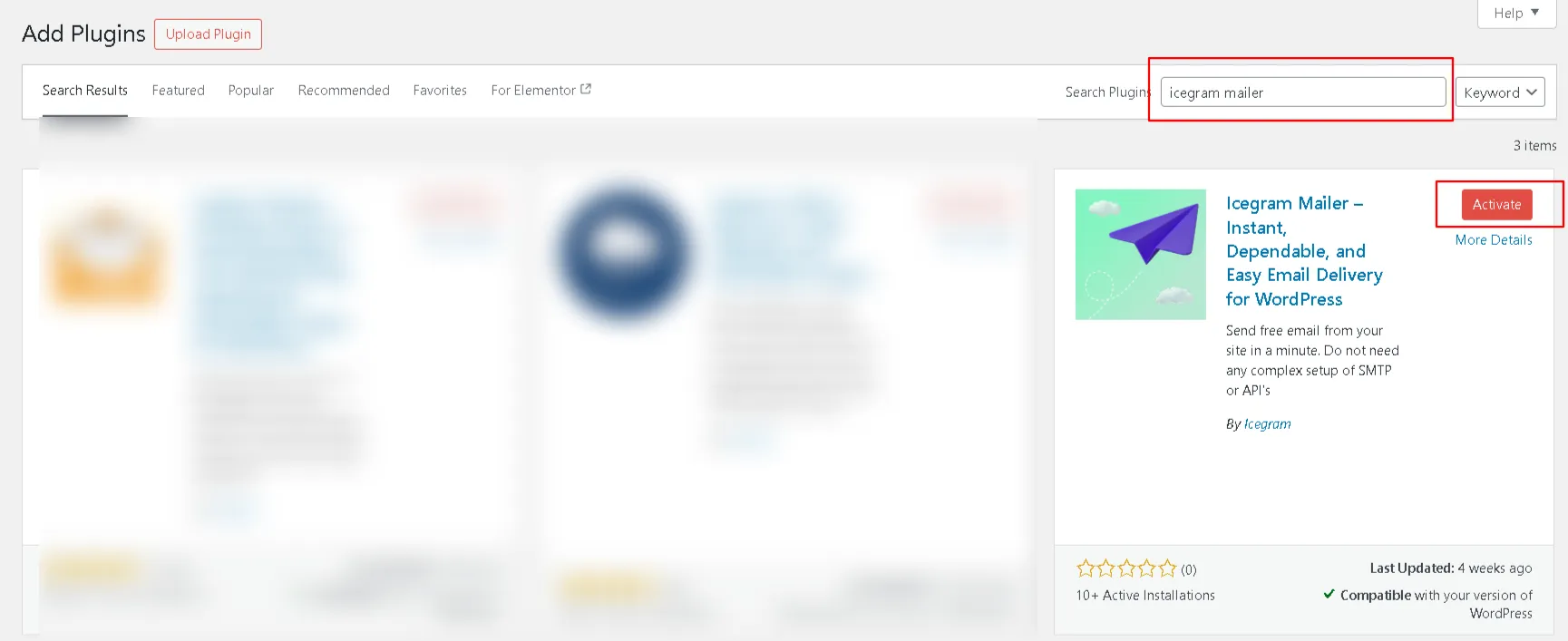
In your WordPress admin dashboard, navigate to
Plugins→Add New. -
Search for Icegram Mailer, click Install Now, and then click Activate.
-
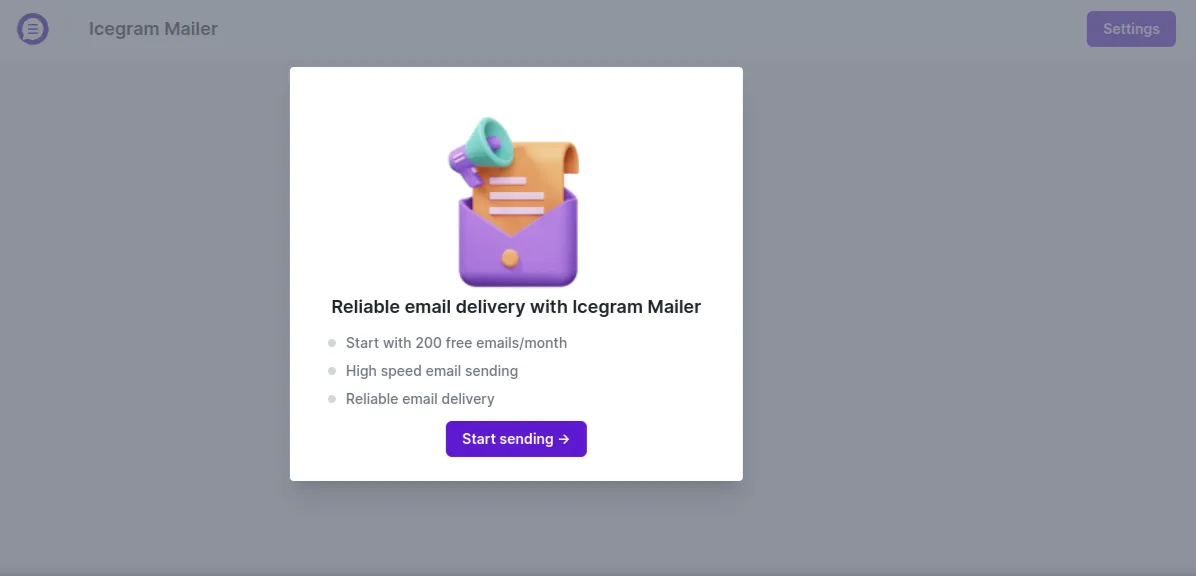
In the admin sidebar, click Icegram Mailer. Click the Start Sending button. This automatically provisions your free account and allocates your monthly quota.
-
Navigate to
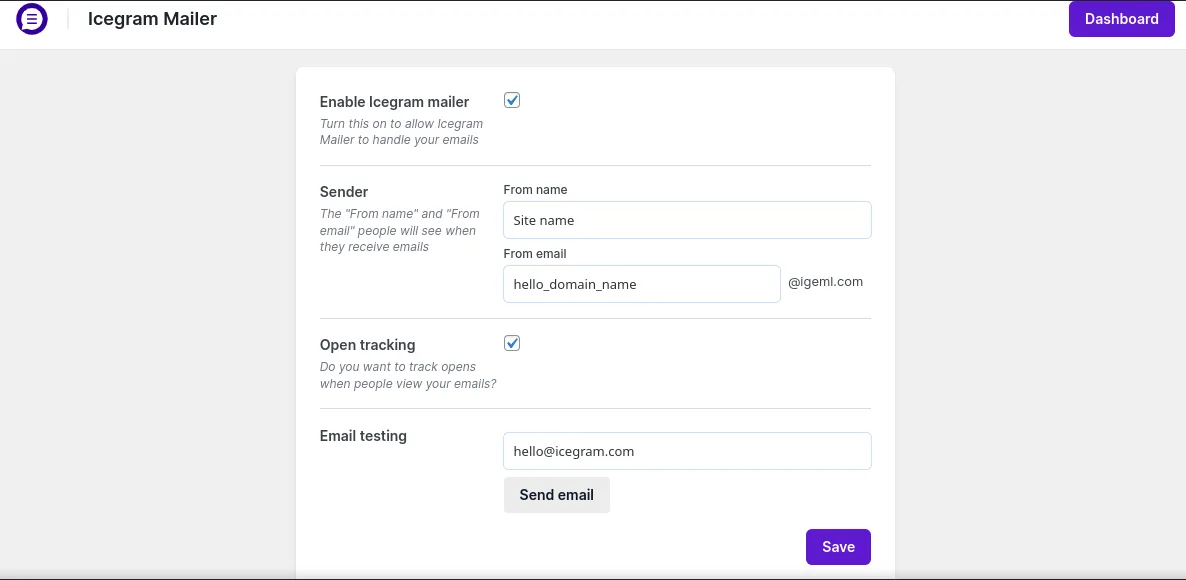
Icegram Mailer→Settings:- Enable Icegram mailer: Check the box to route WordPress emails through the delivery service.
- Sender: Enter your From name. The sending address uses an authenticated
@igeml.comroute to ensure SPF/DKIM validation without requiring manual DNS configuration. - Reply-To: Enter your Reply-To Name and Reply-To Email where customer replies should be directed.
- Open tracking: Check to track when recipients open and read your emails.
- Show “Sent by Icegram”: Toggle the footer attribution badge (removable on Premium plans).
-
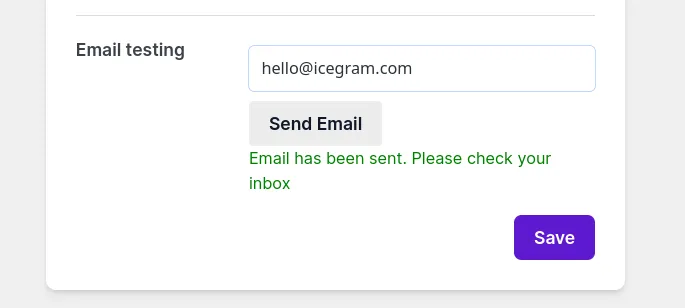
Under Email testing at the bottom of the Settings page, enter your email address and click Send email to verify live delivery.
-
Click Save to persist your settings.
Monitoring Quotas and Delivery Logs
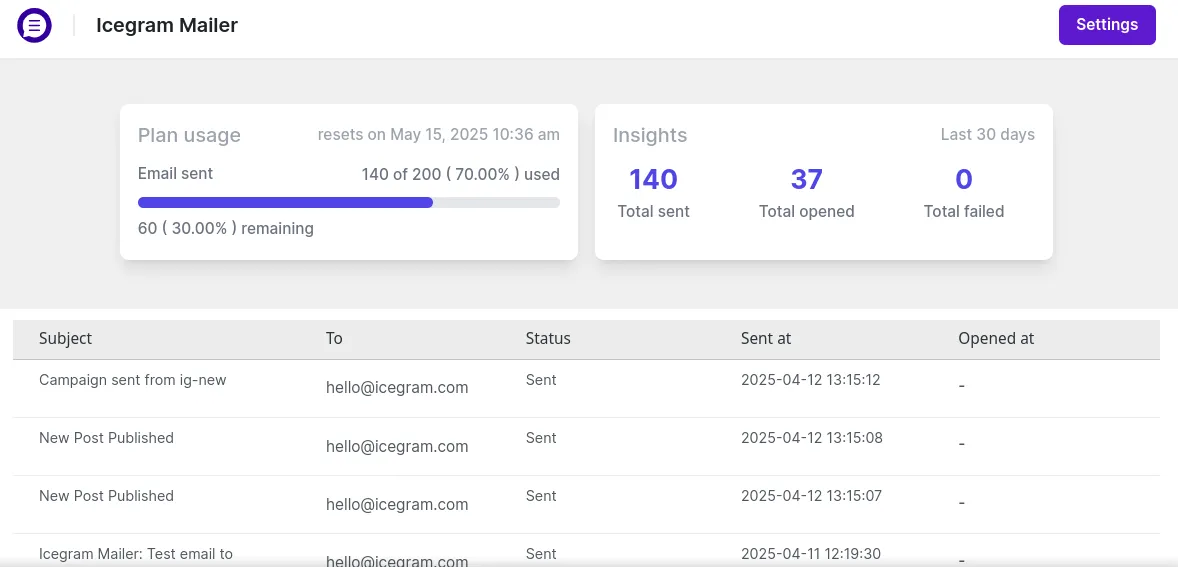
The Icegram Mailer Dashboard (Icegram Mailer → Dashboard) gives you complete visibility into your sending health:
- Usage & Quotas: Displays your allocated monthly limit, used emails, percentage remaining, and next quota reset date.
- 30-Day Activity Summary: Tracks total emails sent, total opened, and failed dispatches.
- Email Log Table: Lists every outbound message with recipient addresses, subject lines, timestamps, and delivery/open statuses.
Upgrading Your Sending Limit
The free tier includes 200 emails per month. For higher volume needs:
-
Choose an upgraded plan from the Icegram Mailer Pricing Page using your admin email address.
-
Once purchased, navigate to
Icegram Mailer→Dashboardon your site. -
Your increased sending limits and monthly quota will reflect automatically.