

How to Change the Action Bar Position in Icegram Engage
ProChange the display position of Icegram Engage action bars from top header to bottom footer.
By default, an Action Bar appears fixed across the very top of your visitor’s browser screen. With Icegram Engage, you can easily reposition the bar to the bottom of the screen (as a floating footer bar).
Steps to Change Action Bar Position
-
In your WordPress dashboard, navigate to
Icegram Engage→Campaigns. -
Edit your existing campaign or click Add New Campaign.
-
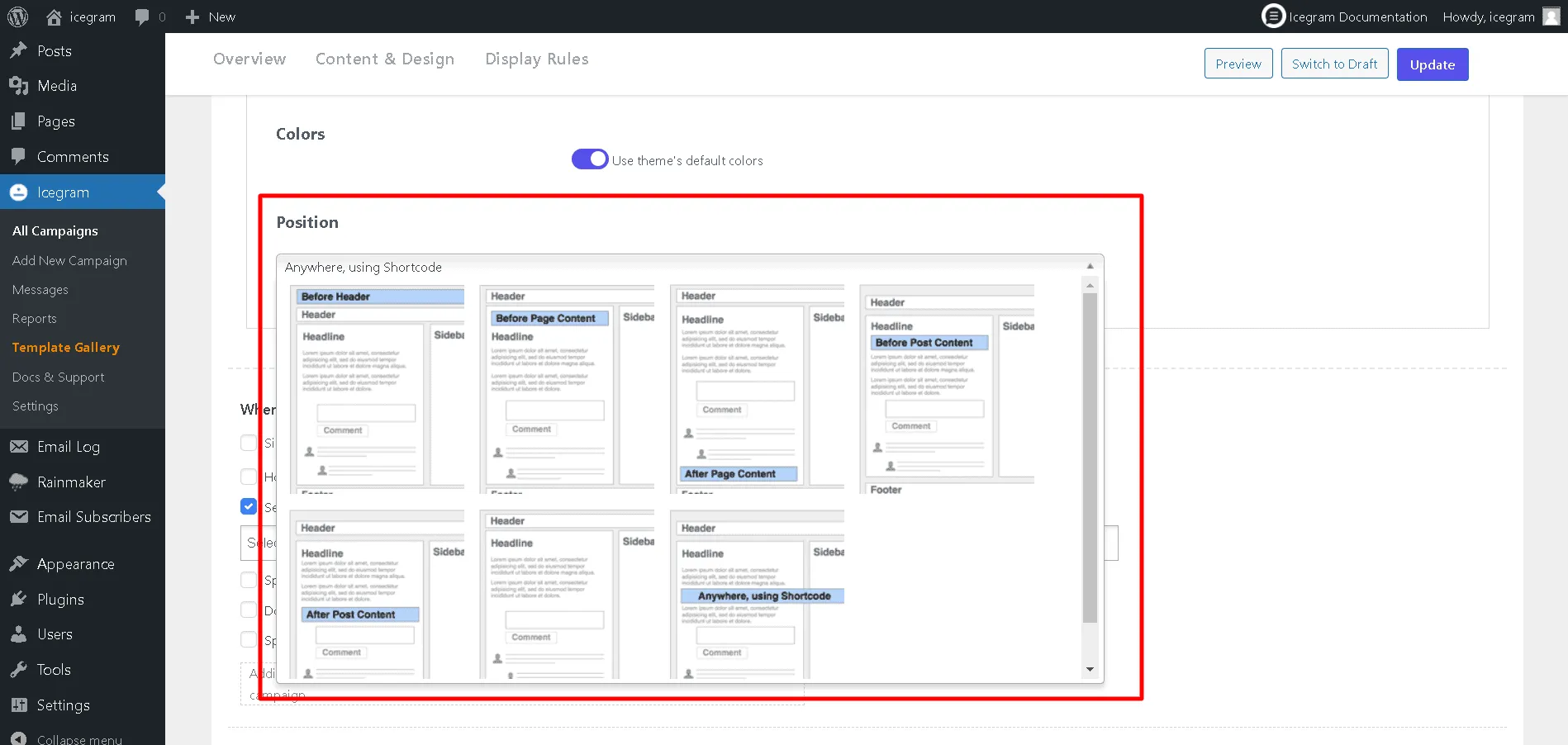
In the message settings panel for your Action Bar, locate the Position setting.
-
Select the bottom position square button.
-
Click Save Draft or Update to apply your changes.