

How to Create Floating Badges in Icegram Engage
ProCreate sticky corner badges and compact announcement widgets that catch visitor eyes without obstructing reading on your website.
A Badge is a compact, non-intrusive floating message that anchors to any corner or side of the screen. Badges are ideal for drawing attention to special promotions, contact links, or customer support without interrupting the reading experience.
Steps to Create a Badge
-
In your WordPress dashboard, go to
Icegram Engage→Campaignsand click Add New Campaign. -
Under the message templates gallery, filter by Badge.
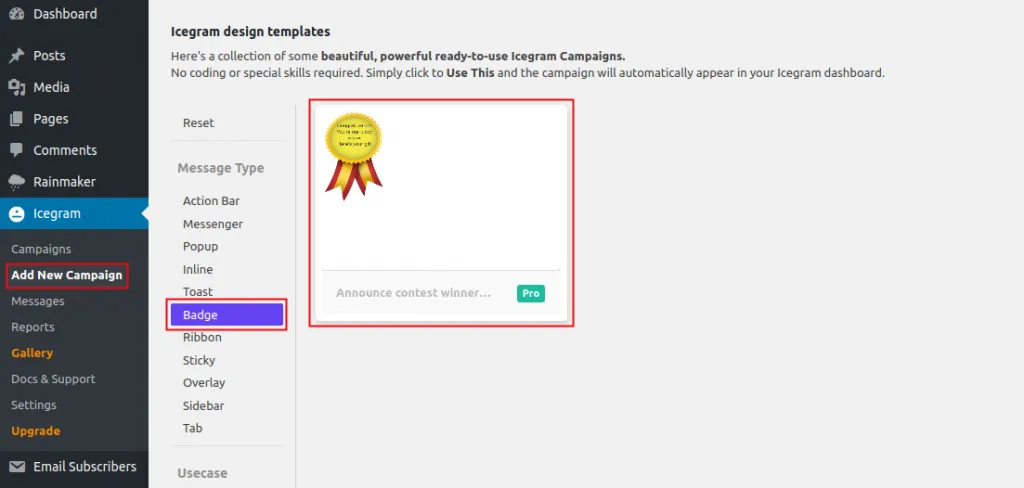
-
Select a design and click Use This.
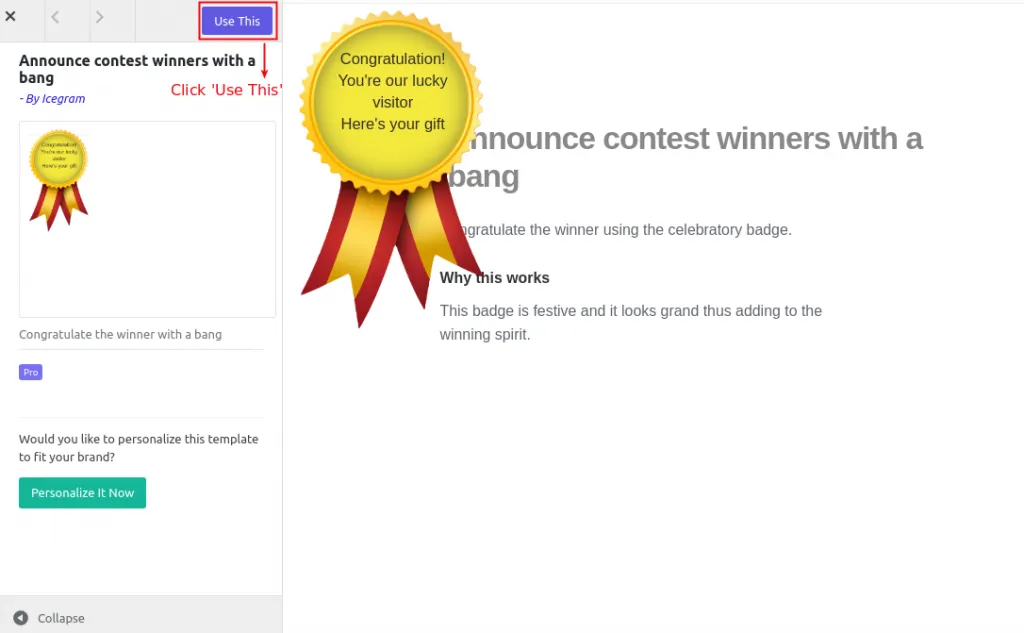
-
Customize your badge title, message body, icon, and button link.
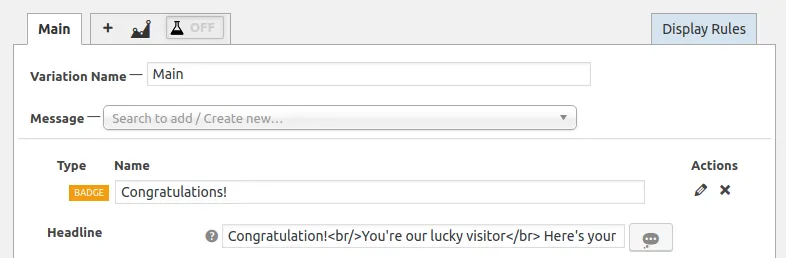
-
Choose the badge anchor position (e.g., bottom-right, bottom-left, top-right).
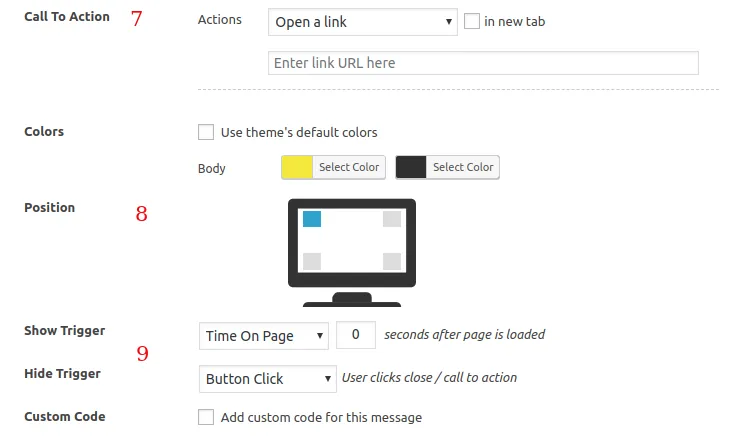
-
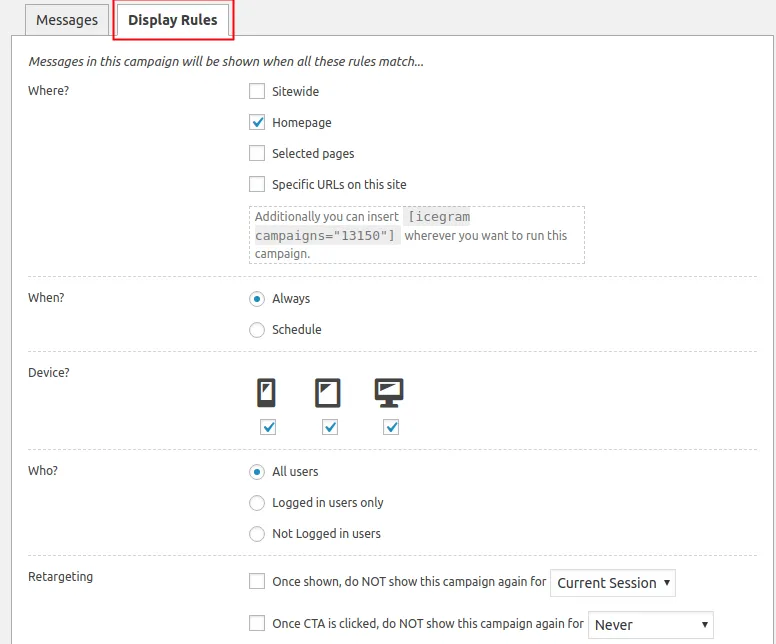
Configure Display Rules to choose which pages and visitor segments will see the badge.
-
Click Publish to launch your badge.