

How to Duplicate Campaigns in Icegram Engage
Clone existing Icegram Engage campaigns, message designs, and targeting rules with one click to quickly launch new promotions.
Duplicating a campaign allows you to reuse an existing high-performing campaign setup as a template for seasonal promotions or A/B testing without recreating messages from scratch.
Steps to Duplicate a Campaign
-
In your WordPress admin dashboard, navigate to
Icegram Engage→Campaigns. -
Hover over the campaign row you want to clone in the campaigns list table.
-
Click the Duplicate action link.
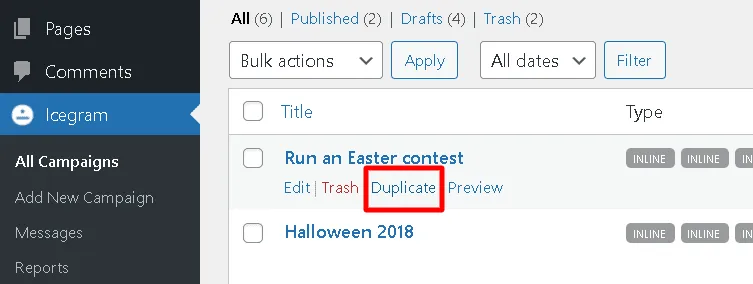
-
A new draft copy of the campaign is created immediately, containing all original messages, styling, and targeting rules.
-
Open the duplicated draft, make your desired updates to the copy or display conditions, and click Publish.