

Target Icegram Engage Messages by Category or Keyword
ProAutomatically trigger campaigns on posts and pages that match specific WordPress taxonomy categories or search keyword queries.
Category and keyword targeting ensures that visitors reading about a particular topic automatically see related offers without requiring you to manually list every individual URL.
Steps to Target by Category or Keyword
-
In your WordPress dashboard, navigate to
Icegram Engage→Campaignsand edit your campaign. -
Scroll to the Where (Display Rules) section.
-
Choose Selected Categories and check the relevant blog or product categories.
-
To match search keywords or tag archives, use the Matching Keywords field and enter comma-separated terms.
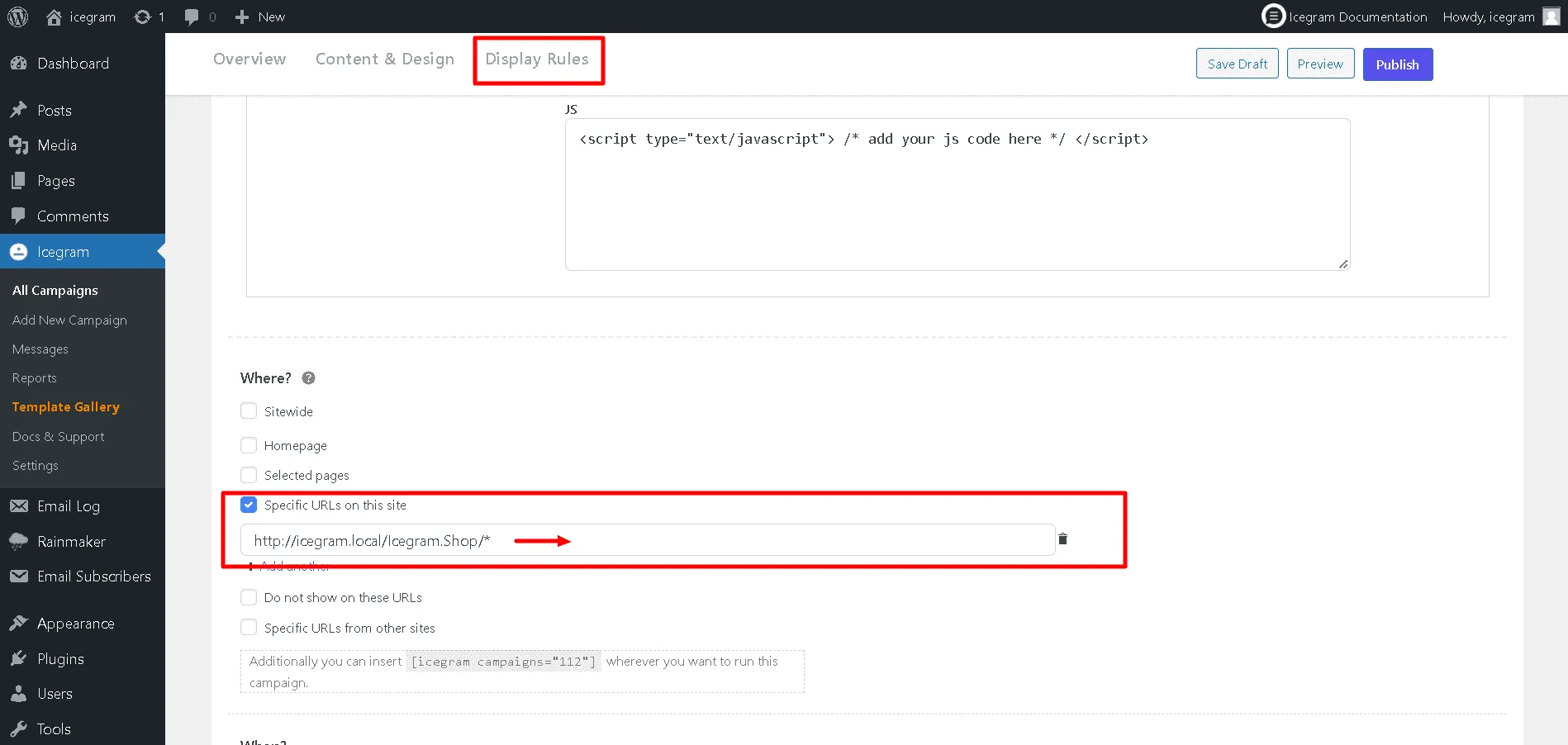
-
Click Update to activate the campaign.