BuddyBoss Community Integration with Icegram Express
MaxIntegrate Icegram Express Max with BuddyBoss to import community members and automate group-based newsletter onboarding.
BuddyBoss is a leading platform for building online communities, member networks, and courses on WordPress.
Integrating BuddyBoss with Icegram Express Max allows community managers to segment members, import existing user bases by role or social group, and trigger automated welcome sequences.
How to Import BuddyBoss Members to Subscriber Lists
-
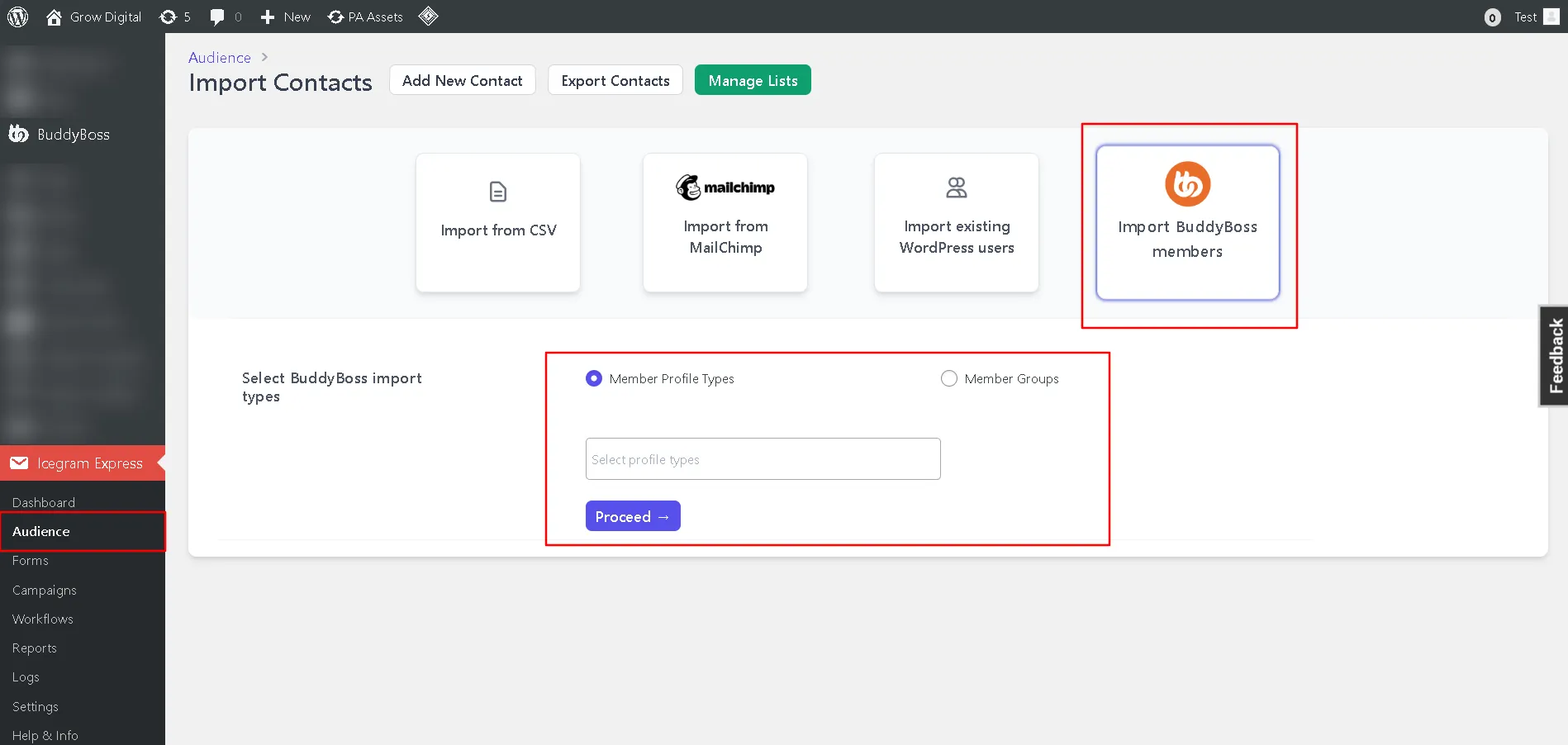
In your WordPress admin, go to Icegram Express > Audience.
-
Click Import Contacts and select the BuddyBoss tab.
-
Select your import criteria:
- Filter by BuddyBoss Member Profile Types
- Filter by specific BuddyBoss Groups
-
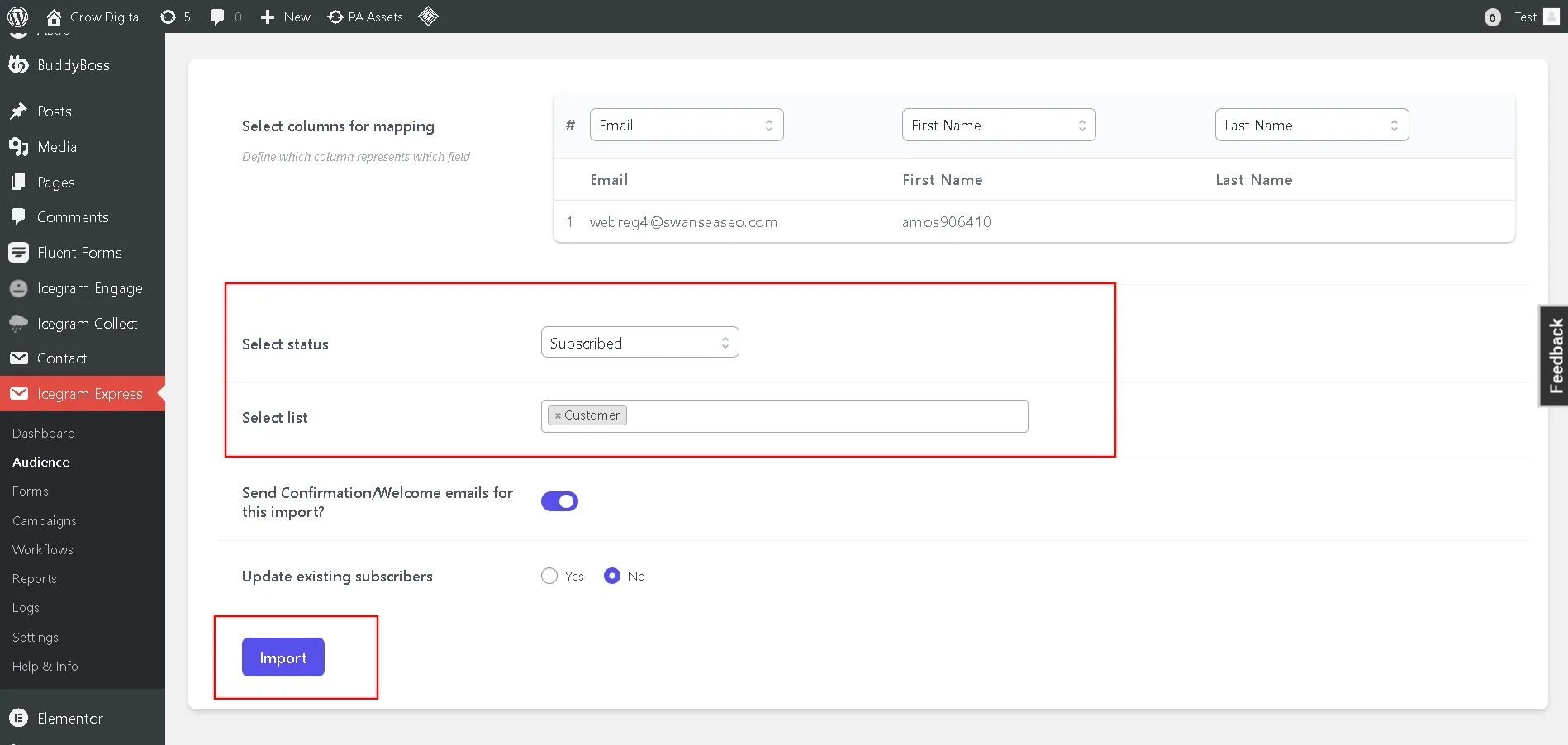
Configure your import settings:
- Choose the destination subscriber list.
- Set contact status (Subscribed, Unconfirmed).
- Choose whether to send an immediate welcome email.
- Choose whether to update existing records.
-
Click Import Contacts to begin synchronizing members.