


OptinMonster is a genuinely capable WordPress lead-generation tool, built for high-traffic sites with a marketing budget to match, but most WordPress site owners end up paying for a lot more than they’ll ever use. Icegram Engage covers the same core job, popups, targeting rules, email opt-ins, running natively inside WordPress, for a fraction of the price.
Have you ever looked at a SaaS pricing page and thought… am I paying an “Overkill Tax” here?
OptinMonster is a name you’ve probably already heard if you’ve spent any time researching WordPress popups. But a well-known name doesn’t automatically mean it’s the best fit for your site, and that’s what this review actually digs into: features, pricing, and where Icegram Engage does the same job for less. Upfront disclosure: yes, we’re suggesting our own tool. Stick with me to see exactly why.
What does OptinMonster do well?
OptinMonster promises one core thing: turning your abandoning visitors into subscribers and customers.
Here’s where it earns its reputation:
- The drag-and-drop builder: genuinely intuitive. You can build email subscription forms, sticky announcement bars, and gamified spin-the-wheel opt-ins in minutes, no developer required.
- Advanced targeting: page-level targeting, geolocation, device targeting, and exit-intent triggers based on visitor behaviors.
- A big template library: 700+ pre-built, responsive designs. That’s either a real time-saver or an afternoon lost to option paralysis, depending on how decisive you are.
Want to go further than the templates? OptinMonster’s visual editor supports custom CSS and JavaScript if you know your way around code. For a standard site owner without HTML/CSS experience, though, this layer usually goes untouched.
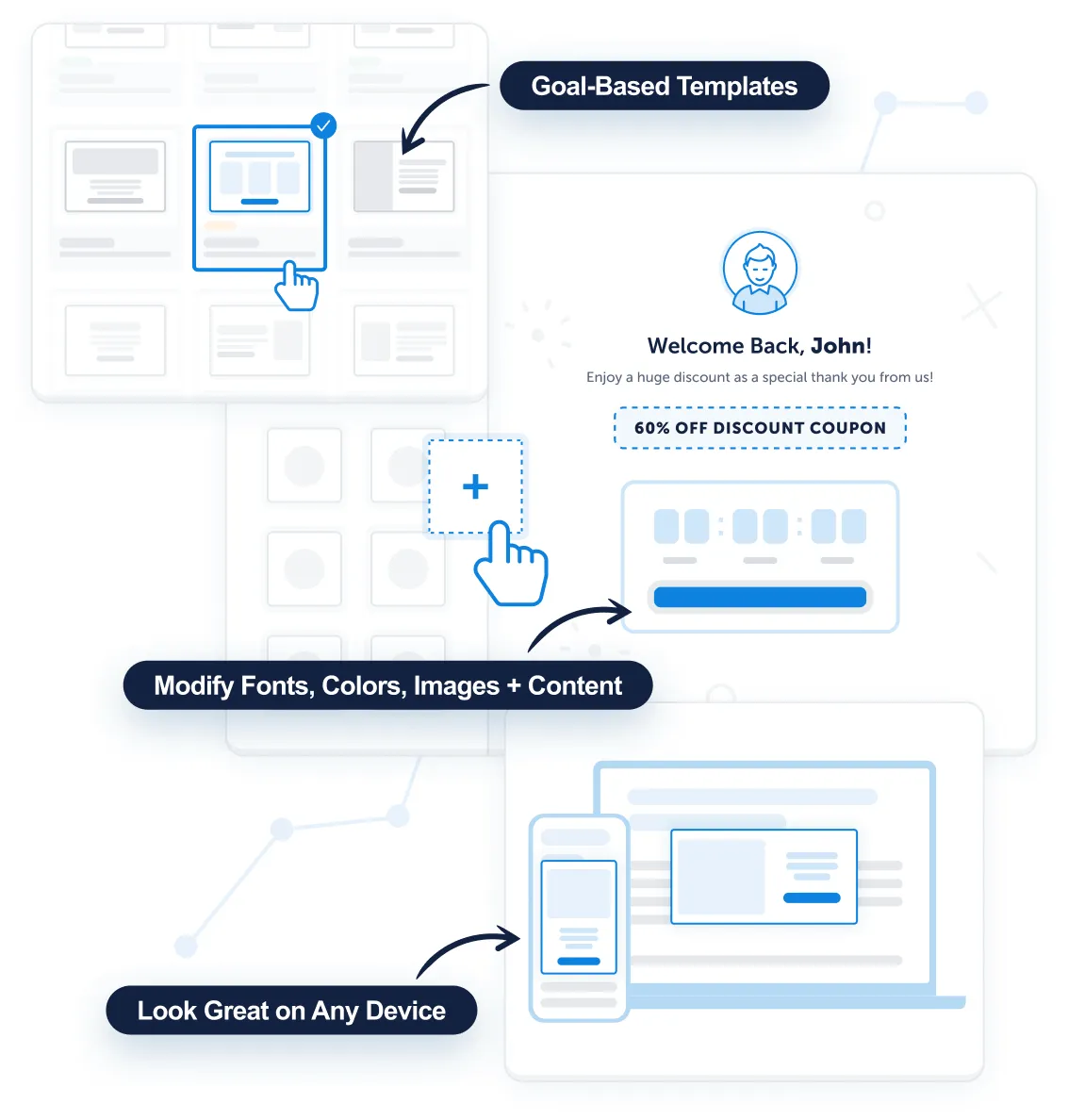
Beyond popups, both tools offer several message formats. Here’s how the free-vs-paid lines actually fall:
| Message type | OptinMonster | Icegram Engage |
|---|---|---|
| Popups | Yes | Yes (Free) |
| Slide-ins | Yes | Yes (Free) |
| Header/footer bars | Yes | Yes (Free) |
| Notifications | No | Yes (Free) |
| Stickies, badges, ribbons | No | Yes (add-on) |
OptinMonster covers the essentials. Icegram Engage’s free tier covers more formats out of the box.
Why look for OptinMonster alternatives at all?
Here’s the frustrating rabbit hole a lot of users fall into.
You install the WordPress plugin thinking you can just start building popups… only to realize OptinMonster is actually a SaaS service. You have to create an account, leave your WordPress dashboard, and sign up for a recurring subscription.
There is no free version of OptinMonster.
Here’s what the current introductory pricing looks like, billed annually:
- Basic: ~$84/year (1 site, basic tools)
- Plus: ~$228/year (adds A/B testing and inactivity sensors)
- Pro: ~$348/year (adds Exit Intent and countdown timers)
- Growth: ~$588/year (advanced targeting and higher pageview limits)

Worth knowing before you commit: that pricing is a first-term discount. OptinMonster’s own site notes the rate applies to a new customer’s first term, and lists regular renewal prices at roughly 2.5 times higher, Basic renews around $210/year, Growth around $1,470/year. Budget for the renewal price, not the sign-up price.
If you read the reviews on G2 and Capterra, a common theme emerges. Users love the features, but they feel nickel-and-dimed. Essential features, like A/B testing and Exit Intent, are gated behind the pricier Pro or Growth tiers.
And then there’s the complexity. More targeting rules don’t automatically mean more conversions. Most users spend hours configuring complex behavioral rules in OptinMonster, when simple exit-intent and time-delay rules generate 80% of the results with just 10% of the effort.
How does Icegram Engage compare to OptinMonster?
Before we get into our own pitch: I appreciate a lot of what OptinMonster has built, including their trademarked Exit Intent technology. Our founder, Nirav Mehta, and OptinMonster’s founder, Syed Balkhi, know each other and have real respect for each other’s work.
We also appreciate the contributions that WP Beginner and the whole Awesome Motive team, the company behind OptinMonster, have made to the WordPress community over the years.
When we started Icegram Engage over a decade ago, it was the first plugin that combined multiple types of messages, popups, hello bars, messengers, and more, into one product with flexible targeting rules. Plenty of people copied that approach since!
From the beginning, our passion has been building something lightweight and effective: a tool that helps you do what you want to do, without complexity or fluff getting in the way.
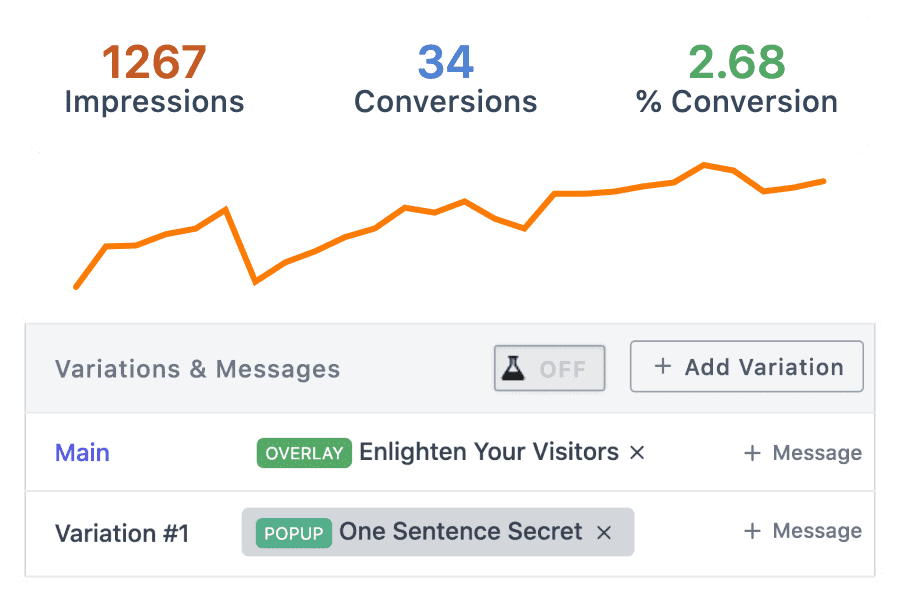
Icegram Engage runs natively inside your WordPress admin. It doesn’t charge you based on your pageviews, and it doesn’t force you into a monthly SaaS subscription just to get an email opt-in form up and running.
Full disclosure on our own numbers too: Icegram Engage sat above 30,000 active installs at one point. The current WordPress.org count is 10,000+. What hasn’t moved is the rating: 4.7 out of 5 from 369 reviews, against OptinMonster’s 4.3 from 814.
OptinMonster vs. Icegram Engage: feature and price comparison
Here’s the side-by-side, pros and cons included.
| Feature / Metric | OptinMonster | Icegram Engage |
|---|---|---|
| Free version available? | No | Yes (core plugin is 100% free) |
| Platform | Cloud SaaS (external account required) | Native WordPress plugin |
| Pageview limits | Yes, tiered by traffic | No limits |
| Exit Intent | Paid, requires $348/yr Pro tier | Affordable add-on |
| A/B testing | Paid, requires Plus tier | Affordable add-on |
| Message types (free tier) | Popups, slide-ins, bars | Popups, slide-ins, bars, notifications |
| Renews at | ~2.5x the sign-up price | Same price, no surprise renewal |
| Best for | High-traffic e-commerce with a marketing team | Influencers, WooCommerce businesses, marketing sites, agencies |
OptinMonster is a real, capable product if you’re running a high-traffic operation with the budget and a marketing team to run it. And despite how it’s sometimes positioned, it isn’t really enterprise software; it’s a mid-market SaaS tool that happens to have a lot of tiers.
If you just want a reliable exit-intent popup, a welcome bar, and a way to capture emails, without also signing up for a subscription? Icegram Engage gets you there for a fraction of the cost.
So, is OptinMonster worth it?
Only if you are a high-traffic e-commerce store with the budget to justify the Overkill Tax.
But if you are looking for a powerful, flexible, and affordable lead generation tool that lives right inside your WordPress dashboard… Icegram Engage is the obvious choice.
What is the best OptinMonster alternative?
Icegram Engage is the closest WordPress-native alternative: it runs inside your own dashboard, has a genuinely free core plugin, and isn’t billed by pageviews. If you need deep marketing-automation integrations across a large operation, OptinMonster is the more mature choice. For a standard WordPress site, Icegram Engage covers the same popups and targeting rules for a fraction of the annual cost.
Is there a free version of OptinMonster?
No. OptinMonster is a paid-only SaaS product, backed only by a 14-day money-back guarantee. Icegram Engage’s core plugin is free on WordPress.org, with premium add-ons layered on top.
Does OptinMonster’s price go up after the first year?
Yes. The advertised rate is a first-term discount for new customers, and OptinMonster’s own pricing page lists renewal prices at roughly 2.5 times the sign-up rate across every tier. Budget for the renewal number, not the sign-up number.
Is OptinMonster worth the price?
It depends what you’re comparing it to over time. At the discounted first-year rate, it’s competitive. At the renewal rate, a lot of standard WordPress sites end up paying for capacity and features they’ll only ever use a fraction of.
AlbertAbrantes
One of the most important features are the split tests… Does icegram offer that too.
Nirav Mehta
Split testing is in final stage of development. We expect to release it by the end of Jan 2015. :-)
AlbertAbrantes
Great news! ;)
Andrea Juliao
Icegram has already released it’s Split Testing Add-ons..
Kindly have a look http://goo.gl/gcu2yS
Kevin
FYI – OptinMonster has had a lot of updates lately, including being able to work on non-WordPress sites. You may want to check it out for your latest review: http://optinmonster.com
Robin Jennings
Thanks for comparing the 2 products. I’ve found comparing both programs quite difficult to understand the difference between the two. Thanks for the explanation.
Steve Shepherd
The best feature you could add that optinmonster does not have is a one click optin.
For example as a config option you could capture email and name PLUS you could specify using Facebook, Google Account or Linkedin account which would authenticate against those systems ask for access to personal details and then add that info to the signup.
I don’t know why you guys don’t offer it. Everyone has a FB G+ or LND account now days and its WAY faster and provides a method of updating the email details as the user changes them too.
Andrea Juliao
Hey,
That’s a really great feature add. Right now Icegram does not provide something like this but if such feature is available in some social connect plugin that you use or maybe within the email subscription forms HTML embed code you can easily use it with Icegram. Nevertheless, we will be taking this up on our roadmap. Thank you for the suggestion. Appreciated!
Pawan Diwakar
I was aware of optin monster but reading this great post today i am going to install icegram ….
Andrea Juliao
Do try Icegram out. And also share your experience with us :) Thank you!
BusinessMath
Does Icegram integrate with Mailchimp?
Andrea Juliao
Yes Icegram integrates with MailChimp.
subramanian n v
hey @icegram, have you started allowing users to sign up thru FB, G+?
IceDev
Hi,
Icegram doesn’t provide direct integration with FB and G+.
But you can use any third party plugin and use it with Icegram.
Hope this helps you.
Edwin
Thank You.
Debdut
I might be interested. So, my objective is to increase our company’s blog subscribers and to plug them into a SendinBlue list directly after they subscribe. So, I’ve 2 questions:
Andrea Juliao
Yes, you can easily integrate your SendinBlue mailing list to Icegram using a simple HTML integration, here are the steps.
Also, the free version of Icegram only provides one free trigger that is to show a popup after ‘X’ time. For getting the other triggers you will have to take the Icegram Engage Pro Plan.